
One photo · short clip

Image to Video

Upload a still, describe the motion, and choose a model. A 4-second 720p clip starts at 35 credits on Seedance 1.5 Pro. The button shows the exact charge before anything is spent.

  • One photo required
  • Seedance, Grok Imagine, Kling 3.0
  • Failed clips are refunded

Reference image

Prompt

Model

Loading models…

Aspect ratio

Duration

Resolution

Describe what you want before generating.

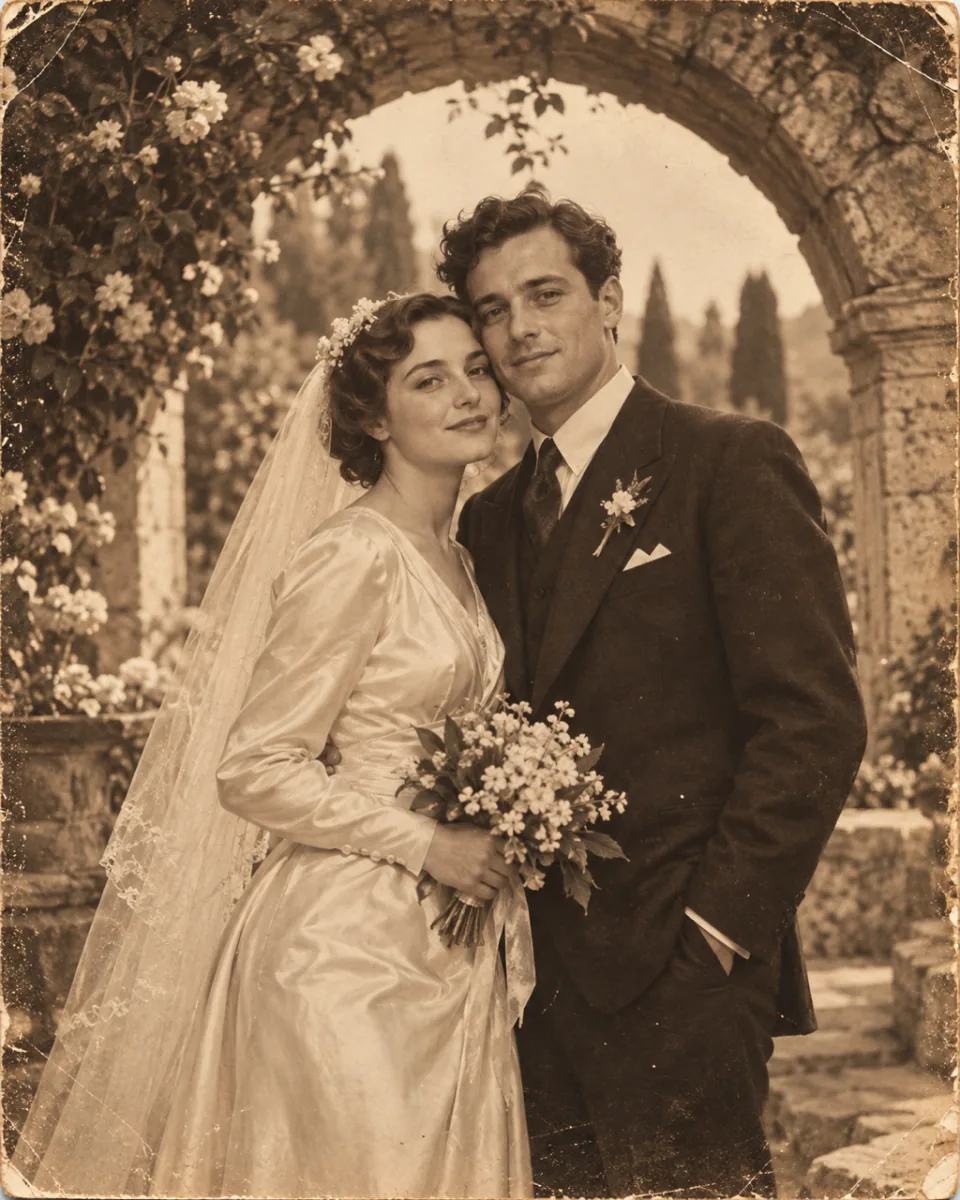
The same photograph as the opening frame of a short clip
Still photograph before any motion is applied
BeforeAfter

Same photo, then motion. All four models on this page return a silent clip. This page does not add a soundtrack.

  • Seedance 1.5 Pro · Grok Imagine 1.5 · Kling 3.0 · Seedance 2.0
  • The price is on the button before you generate
  • A failed clip returns the credits it charged

Motion you can aim

Click an example to put its motion note in the prompt. The note is a direction. The model does not guarantee every detail stays put.

How image to video works here

Three steps. You see the credit charge before the clip starts.

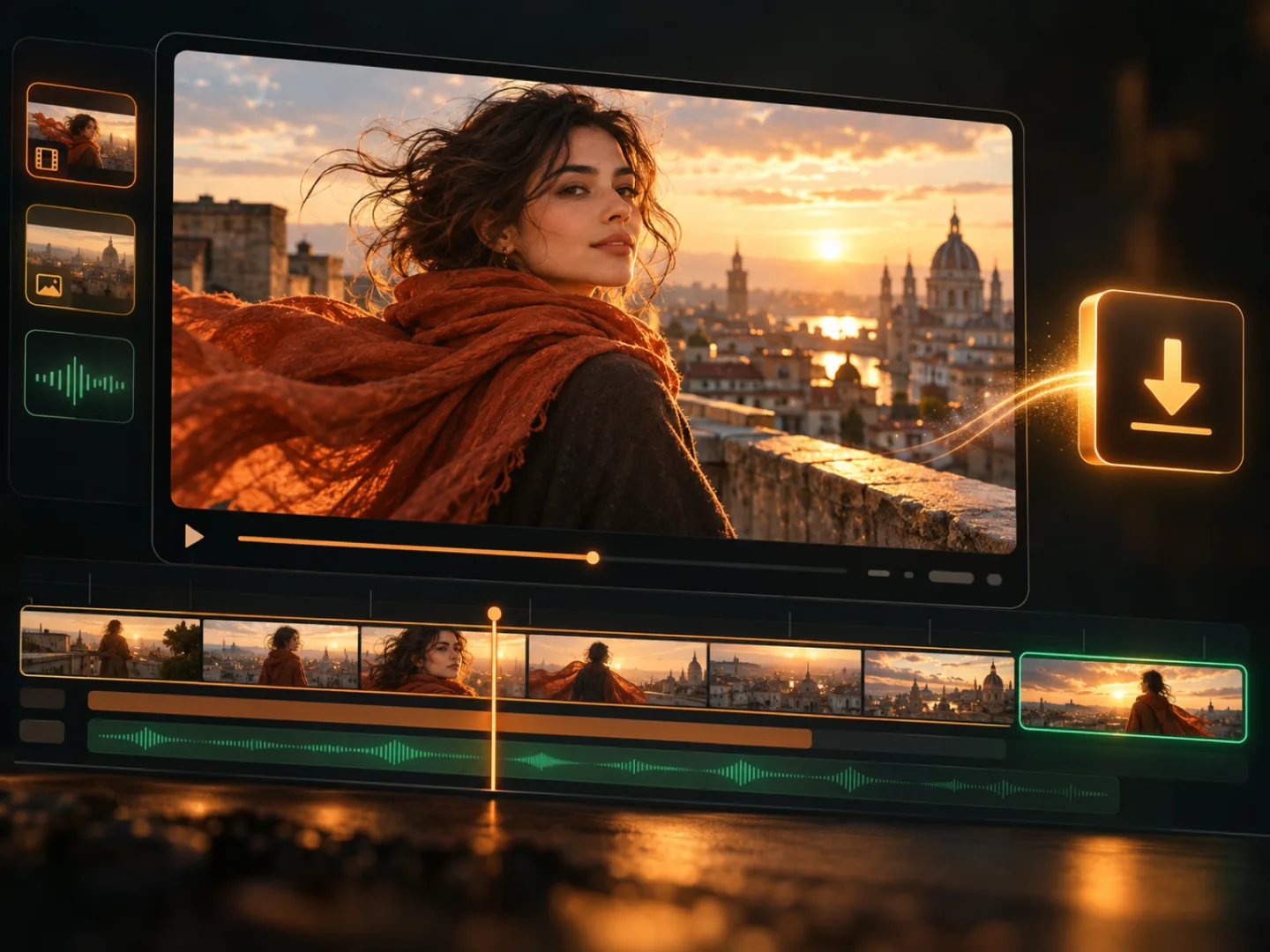
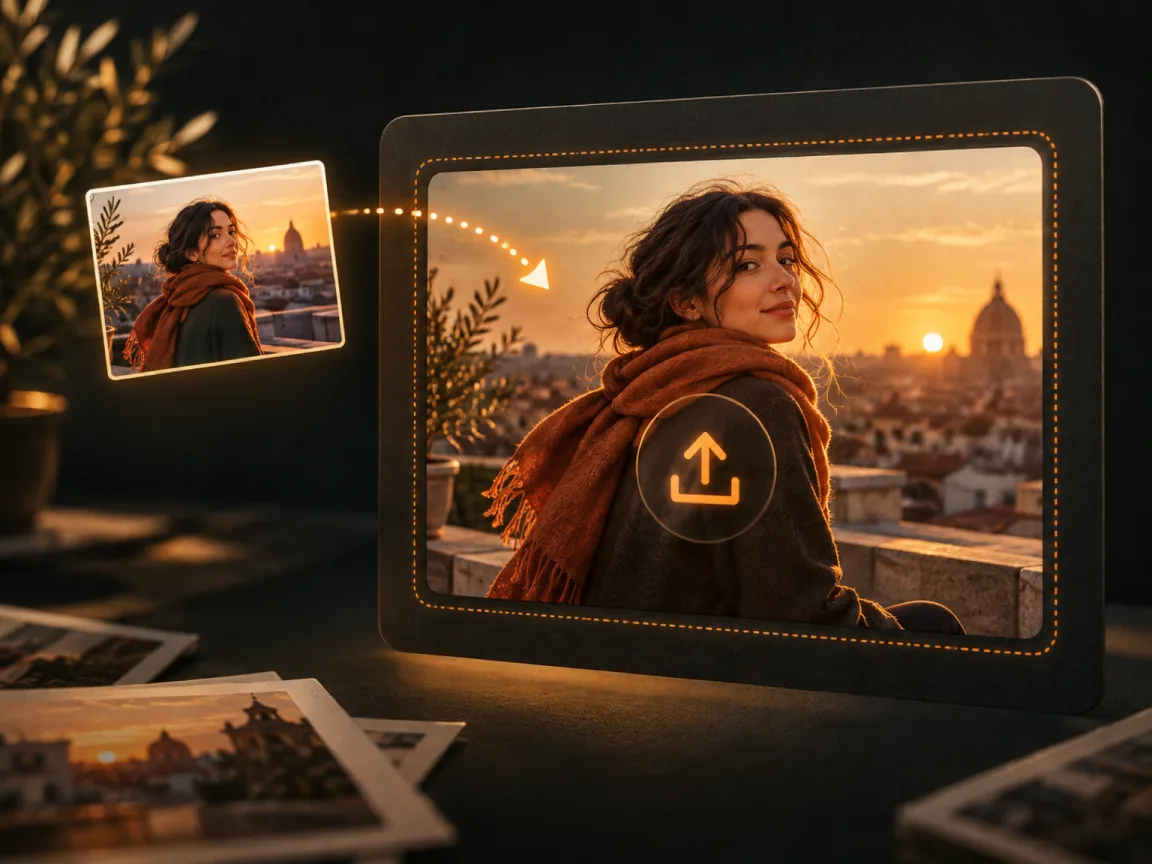
  1. Illustration of uploading one photo to start an image-to-video clip
    Step 1

    Add the photo

    One image is required. It is the frame the model moves. You need the right to use that photo.

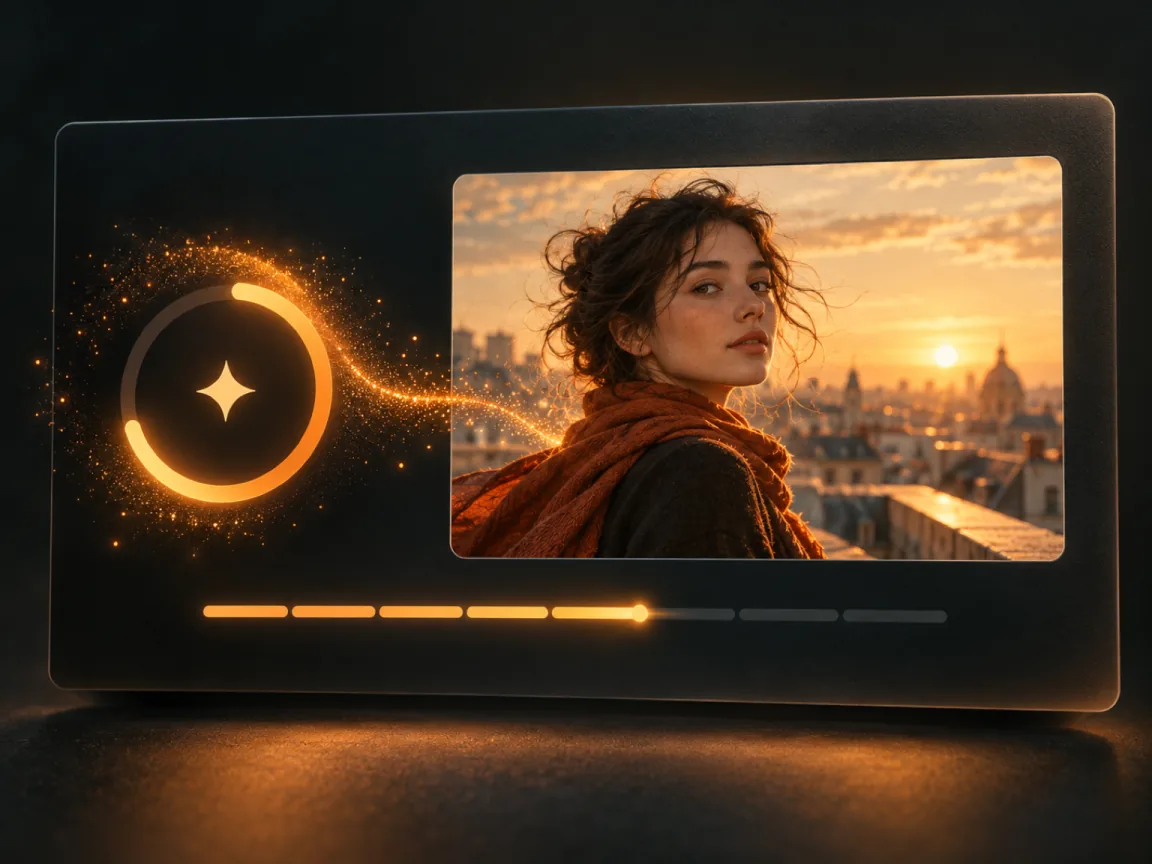
  2. Illustration of choosing a video model and generating a clip
    Step 2

    Set the motion

    Choose Seedance 1.5 Pro, Grok Imagine 1.5, Kling 3.0, or Seedance 2.0. Then pick 4, 8, or 12 seconds, a resolution that model offers, and 16:9, 9:16, or 1:1.

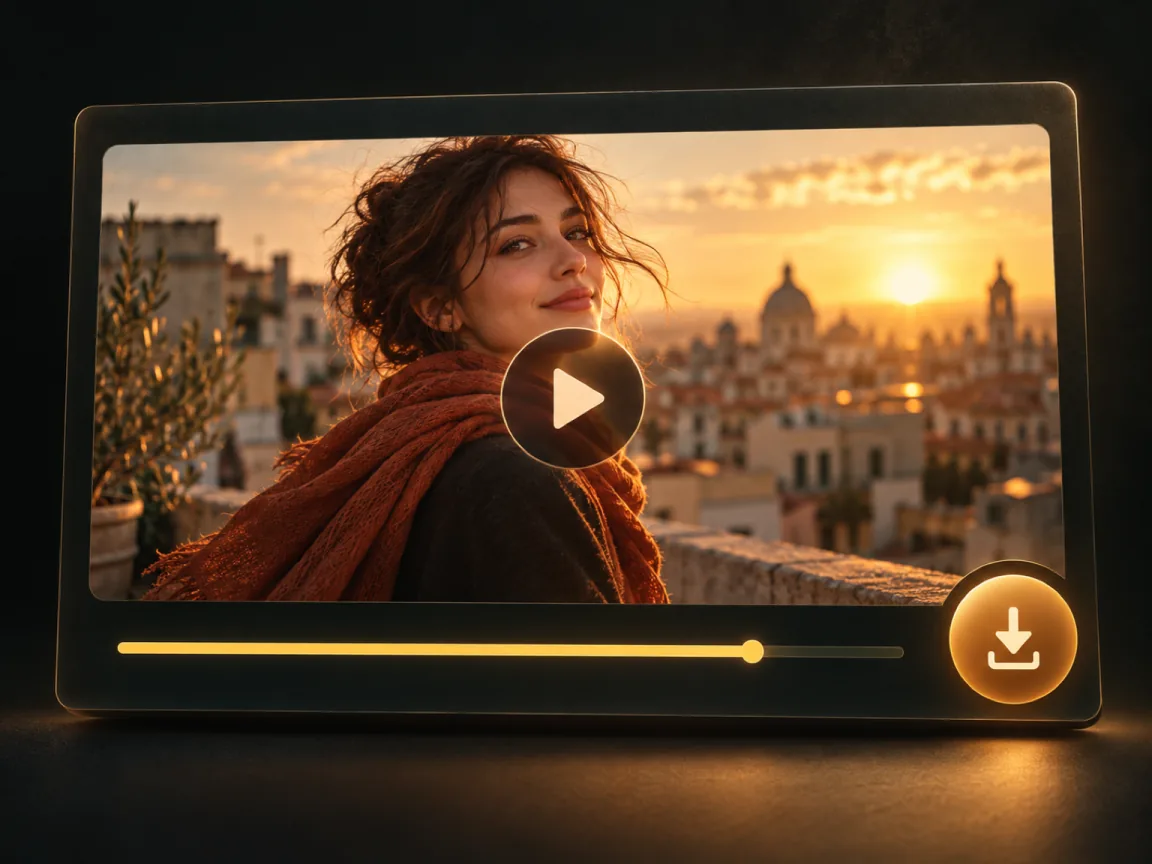
  3. Illustration of saving a finished video clip
    Step 3

    Play it, or leave

    The clip plays here when it is ready, and it is kept in your Library. You can leave while it runs, then download the file.

What you control

The model, the length, and what happens if the clip fails.

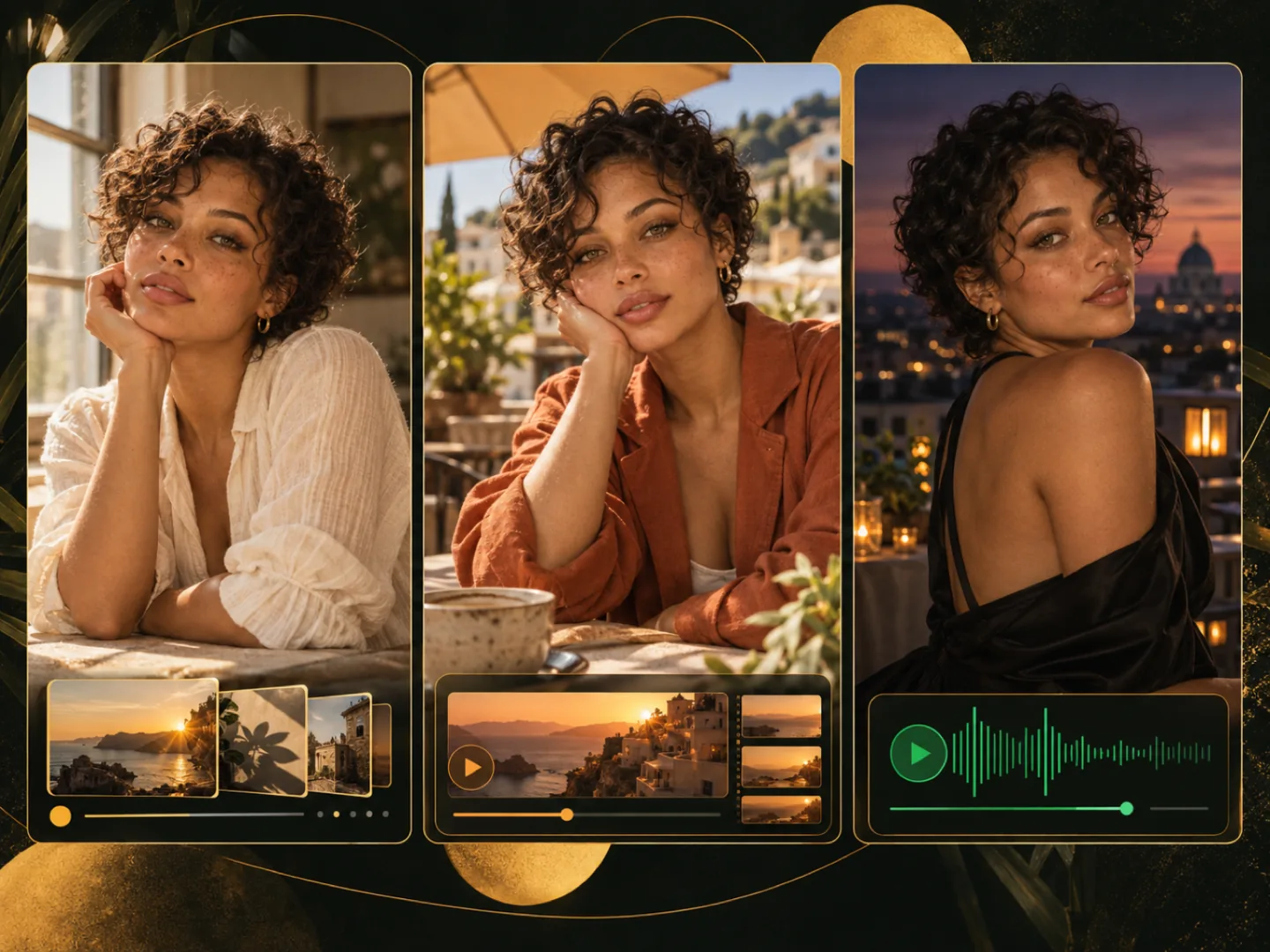
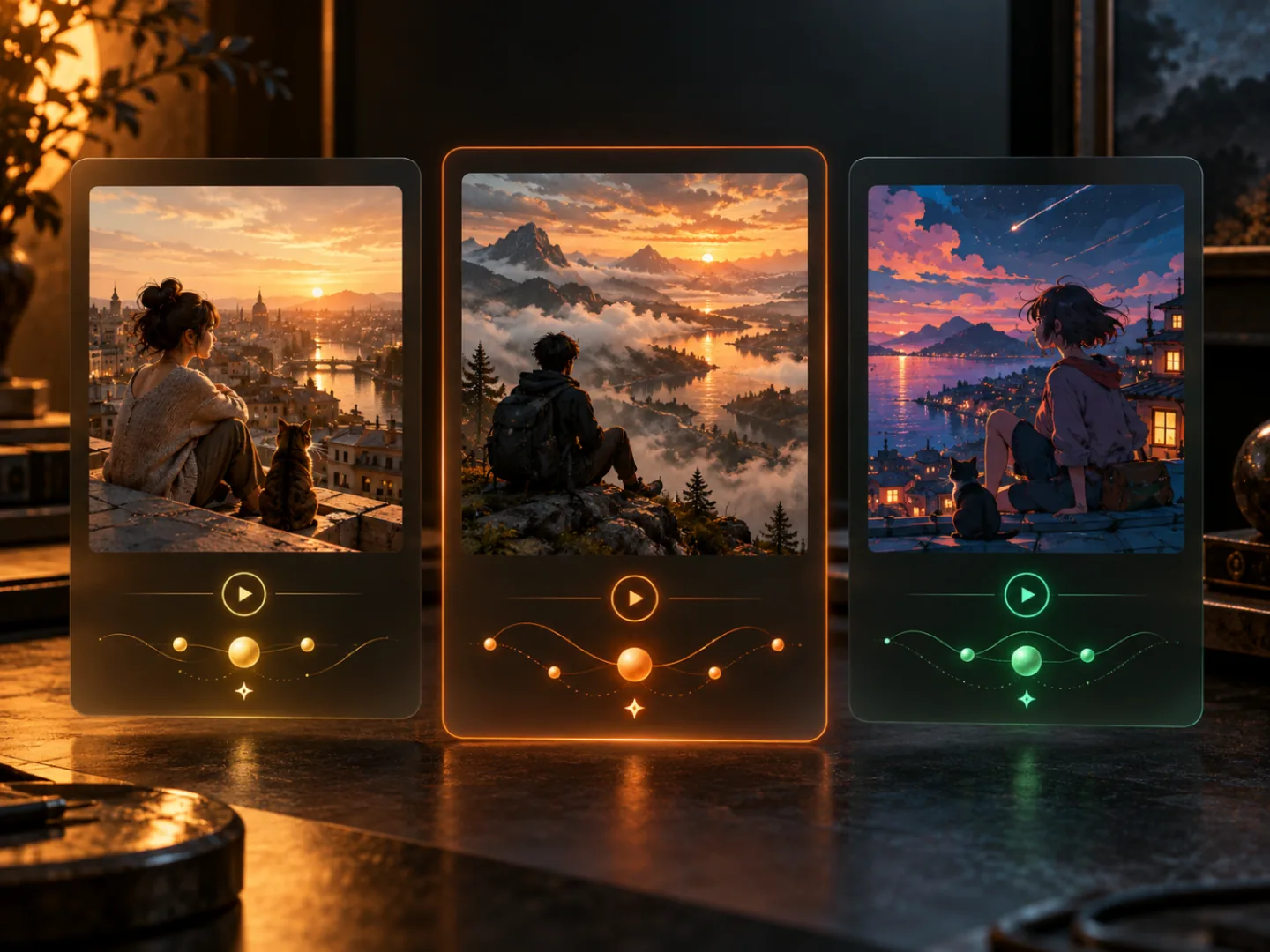
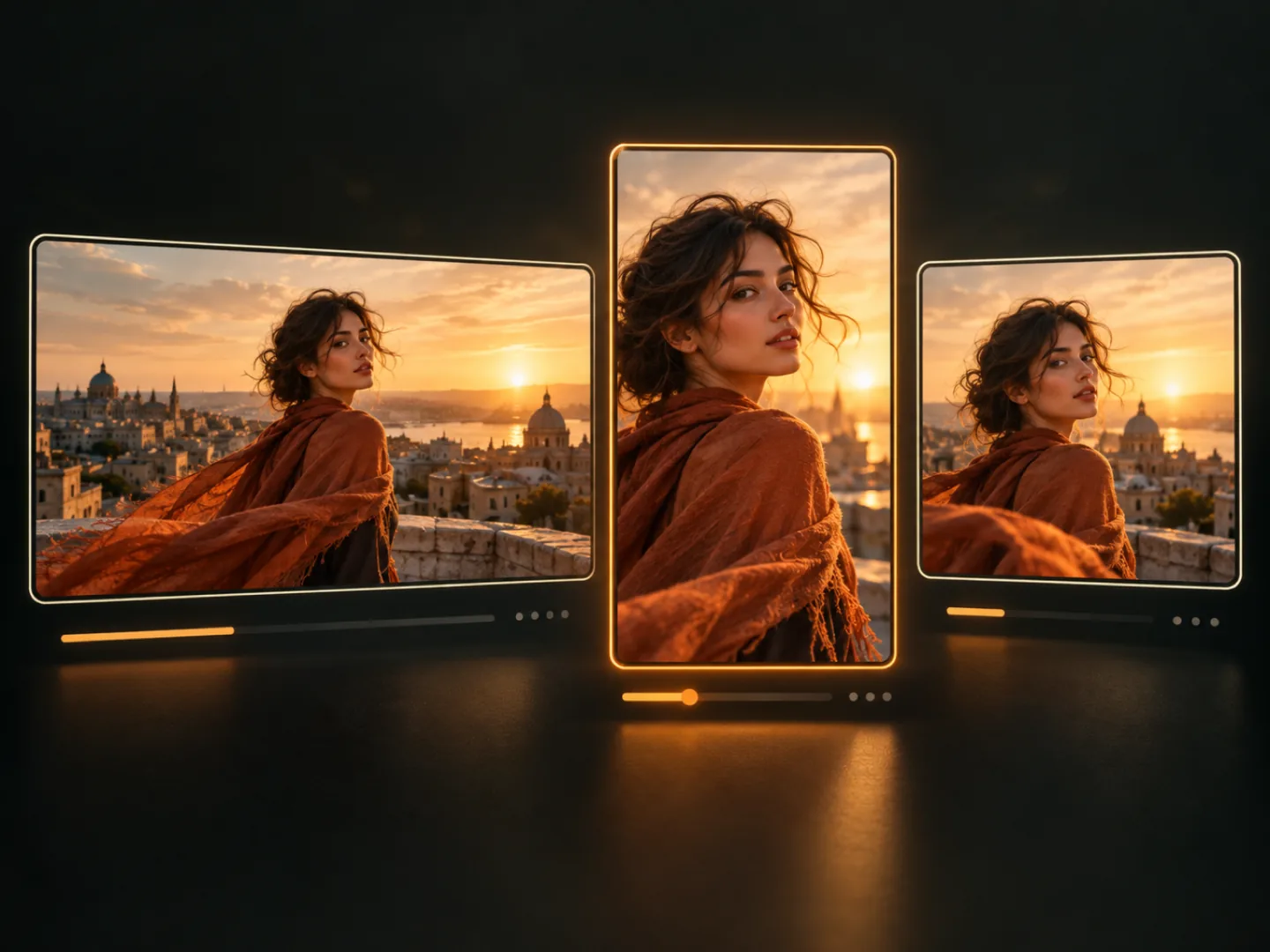
A photo beside the four image-to-video models on this page

01

Four models that take a photo

Each one is enabled for image-to-video in the current catalog. Text-only video models are not on this page.

  • Seedance 1.5 Pro: 35 credits for 4 seconds at 720p, 18 at 480p, 76 at 1080p
  • Grok Imagine 1.5: 45 credits for 4 seconds at 720p, 24 at 480p. No 1080p tier
  • Kling 3.0: 140 credits for 4 seconds at 720p, 180 at 1080p. Seedance 2.0 at 4 seconds: 190 at 480p, 410 at 720p, 1020 at 1080p
Length and resolution controls next to a still photo

02

Length and resolution change the price

At 720p, 8 seconds is double the 4-second price and 12 seconds is triple, on all four models. At 480p and 1080p the same per-second ratio is rounded up to a whole credit. That lands off a clean double only for Seedance 1.5 Pro: 480p is 18, 35, and 53 credits for 4, 8, and 12 seconds; 1080p is 76, 151, and 226. The Generate button is the charge.

  • Durations here: 4, 8, or 12 seconds
  • Grok Imagine 1.5 offers 480p and 720p. Kling 3.0 offers 720p and 1080p
  • All four models return picture only. This page does not add a soundtrack
A finished clip kept in the library next to the original photo

03

Sign in first. The clip stays in your Library

A clip spends credits, so an account is required. Signed out, your photo and prompt are saved and you go to sign in. Coming back restores the draft. It does not start the clip.

  • Too few credits opens the credit offer instead of charging anyway
  • A clip that fails returns the credits that were charged
  • Finished clips stay in your Library, including if you leave this page

When a short clip from a still is enough

A motion draft you download and post yourself. Not a campaign, and not a music video.

  • A vertical post

    9:16 from a photo you already have, 4 to 12 seconds. Download the file and publish it where you post.

  • A product still, moving

    A light sweep or a slow hold on one product photo. A listing draft, not a written listing, and not a promise of sales.

  • One story beat

    Move a single frame. A full short with music is the video studio and the music-video workflow, not this form.

  • An ad motion test

    See whether a still works in motion before a longer cut. Each run is its own charge. Switch model or length and run it again.

Need a clip with no photo, or the rest of the studio?

This page always starts from an image. The video studio also does text-to-video, and it lists the other enabled video models.

Open the video studio
A photo beside the four image-to-video models on this page

Image to video questions

Start from the photo you already have

One image, a motion note, and a price you can see before you spend it. A failed clip is refunded.