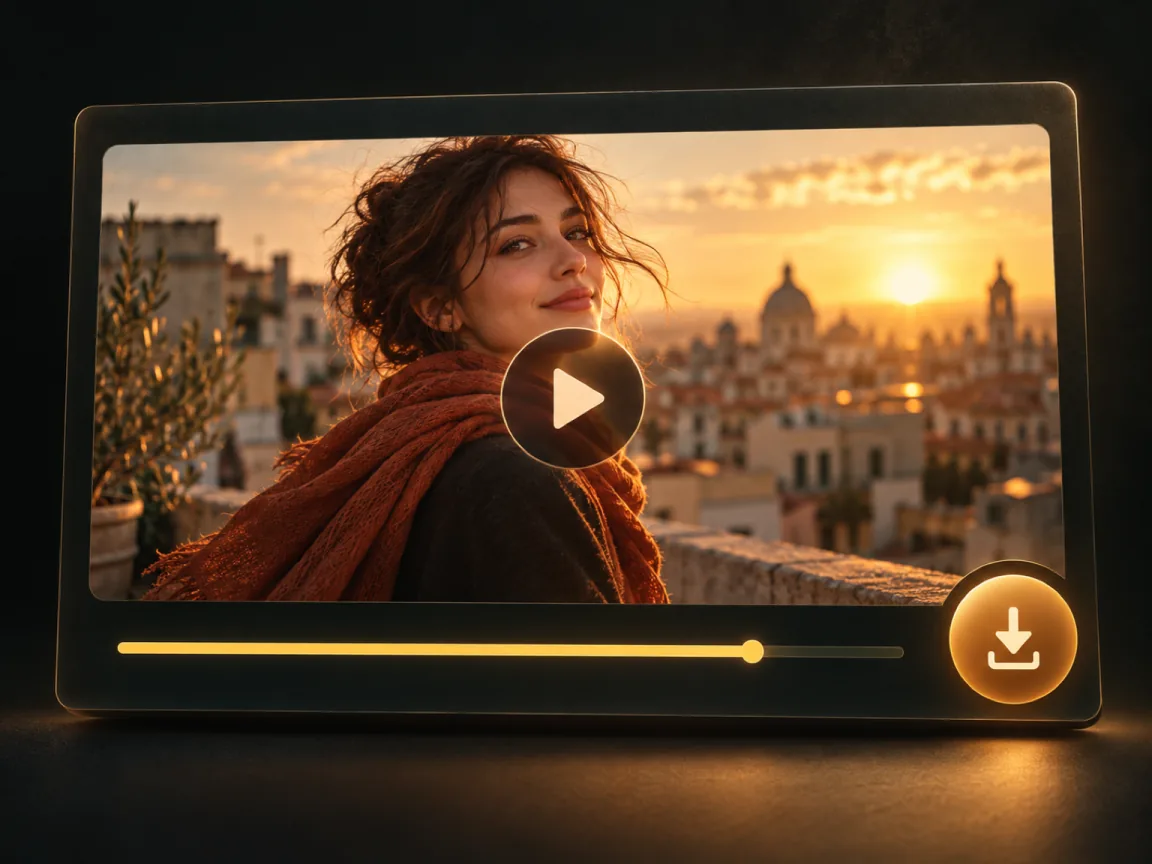
One photo · five seconds

Old Photo Animation

Upload one photo. This preset adds a breath, a blink, or a small shift: 5 seconds, silent, 105 credits on Kling 2.5 Turbo Pro in the current catalog. The button shows the charge. It keeps the photo’s proportions and does not repair damage or add color.

  • One photo in
  • Gentle motion, 5 seconds
  • Failed clips are refunded

Start with a photo

Your photo stays on this device until you generate.

We'll ask you to sign in when you generate. The photo stays here.

Or try a sample

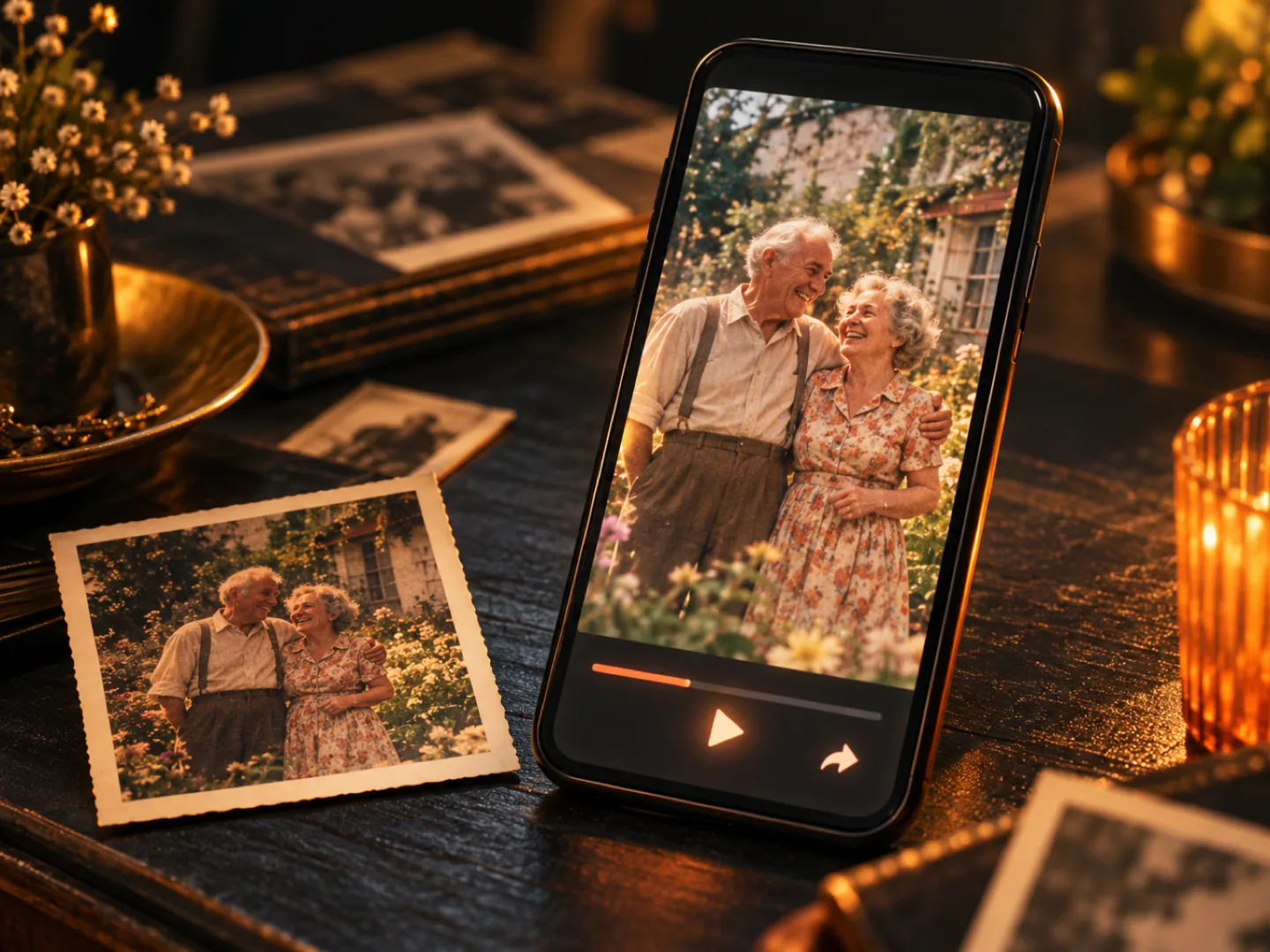
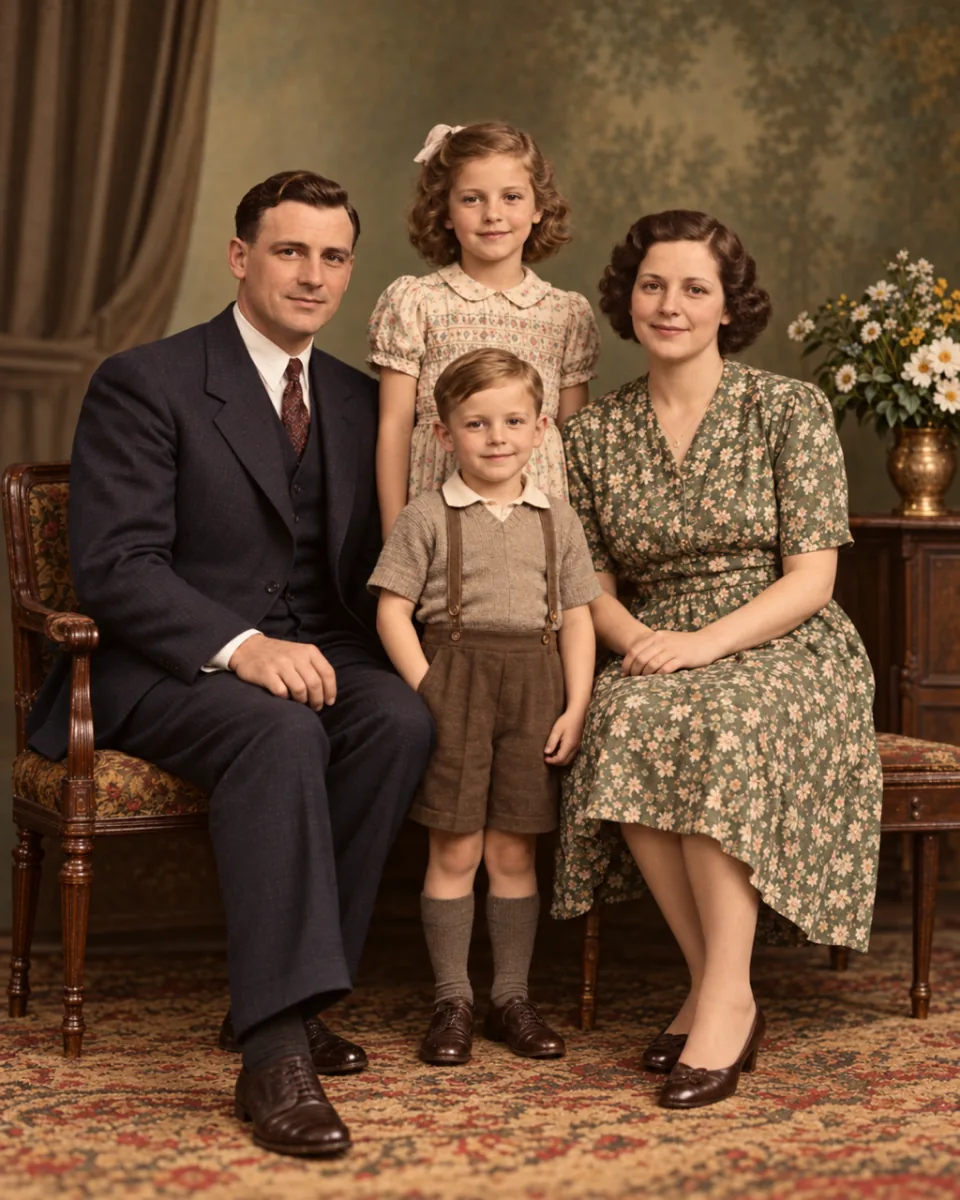
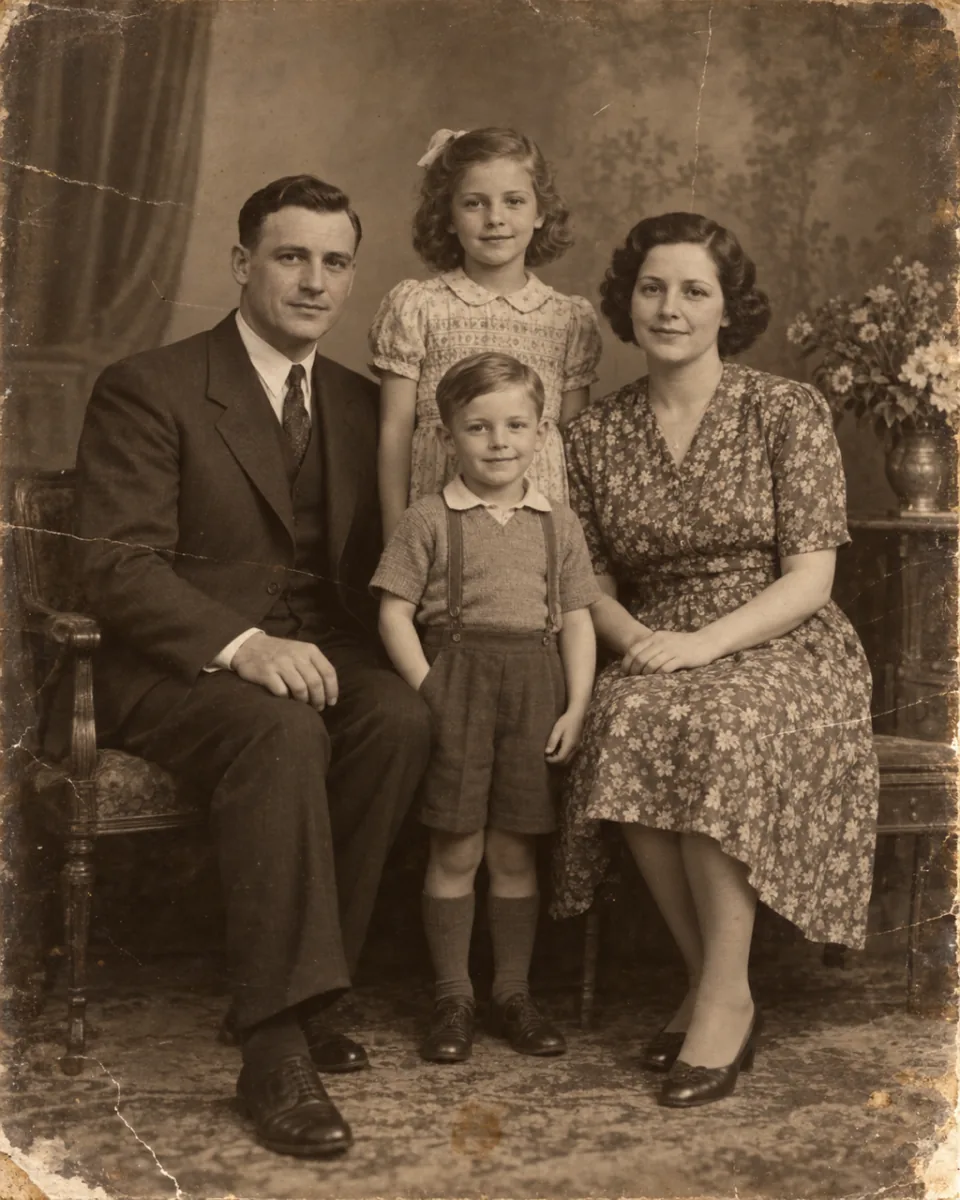
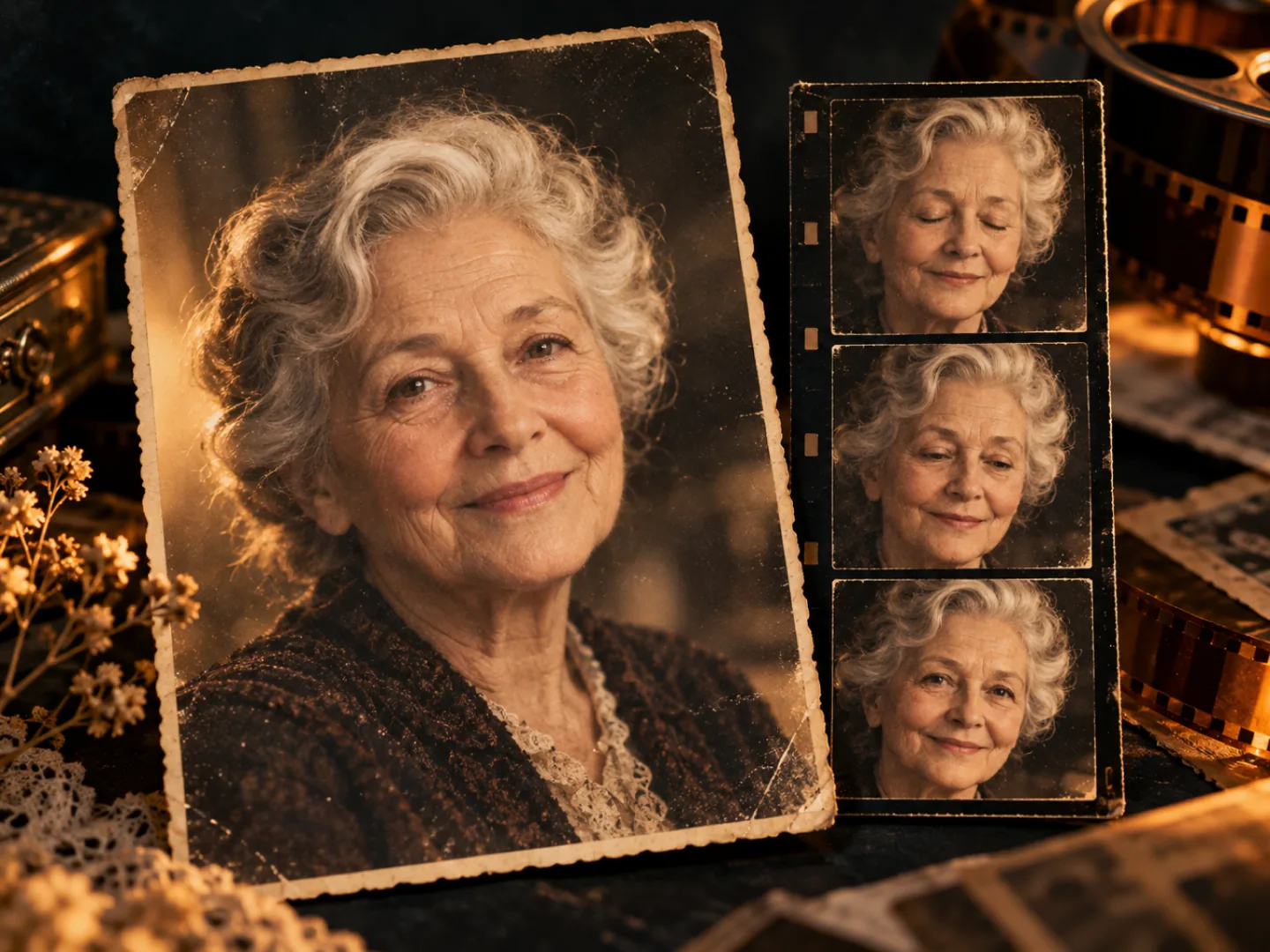
The same old portrait as the opening frame of a short motion clip
An old portrait photograph before animation
BeforeAfter

The photo stays the subject. Motion is added. Scratches and faded color are not repaired.

  • Kling 2.5 Turbo Pro · 5 seconds · 720p · silent
  • The credit cost is on the button before you start
  • A failed clip returns the credits it charged

The kind of motion this preset is for

These cards show the kind of small move the preset aims for. Clicking one returns you to the upload. It does not load a sample photo. An optional note of up to 200 characters is added after the preset and does not replace it.

How old photo animation works

You upload. The preset is fixed. You see the price before it runs.

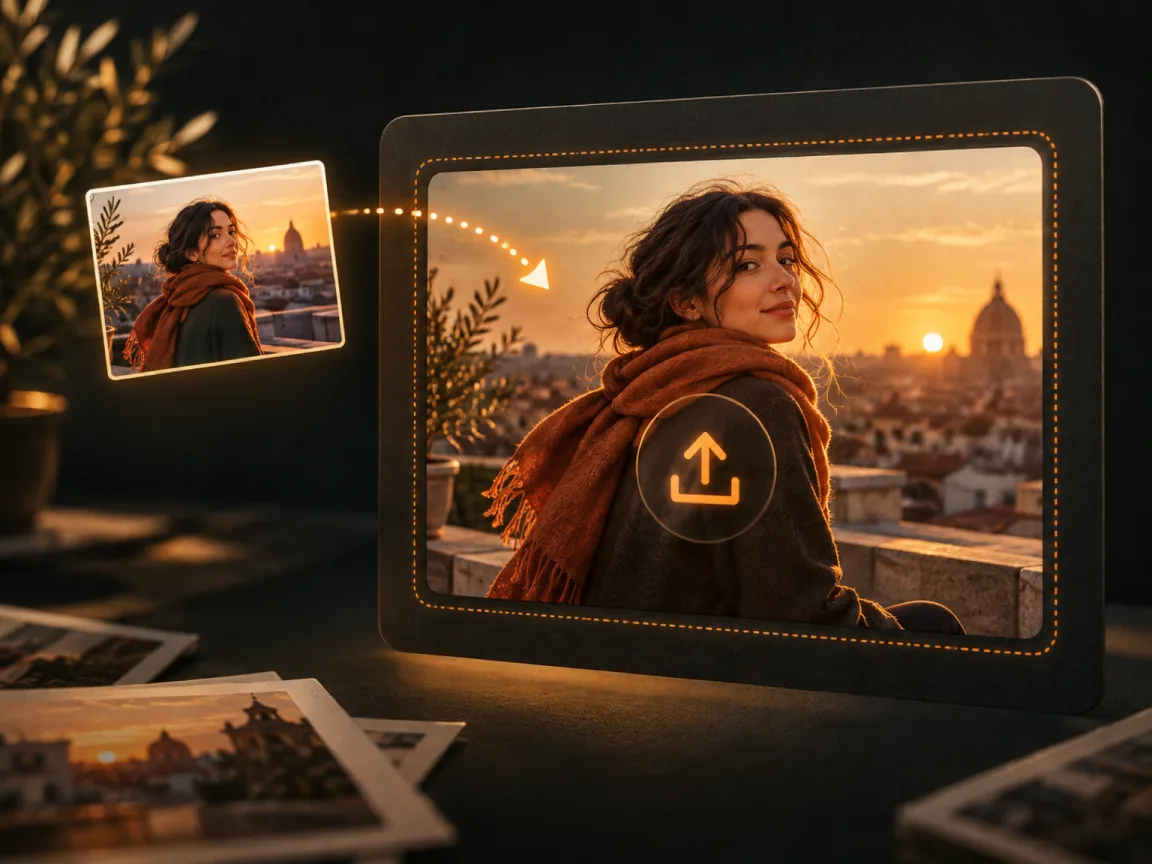
  1. Illustration of uploading one old photograph
    Step 1

    Upload one photo

    A portrait scan or a photo of a print both work as the source. If people are in the picture, confirm you have permission to use it. You need the right to the file.

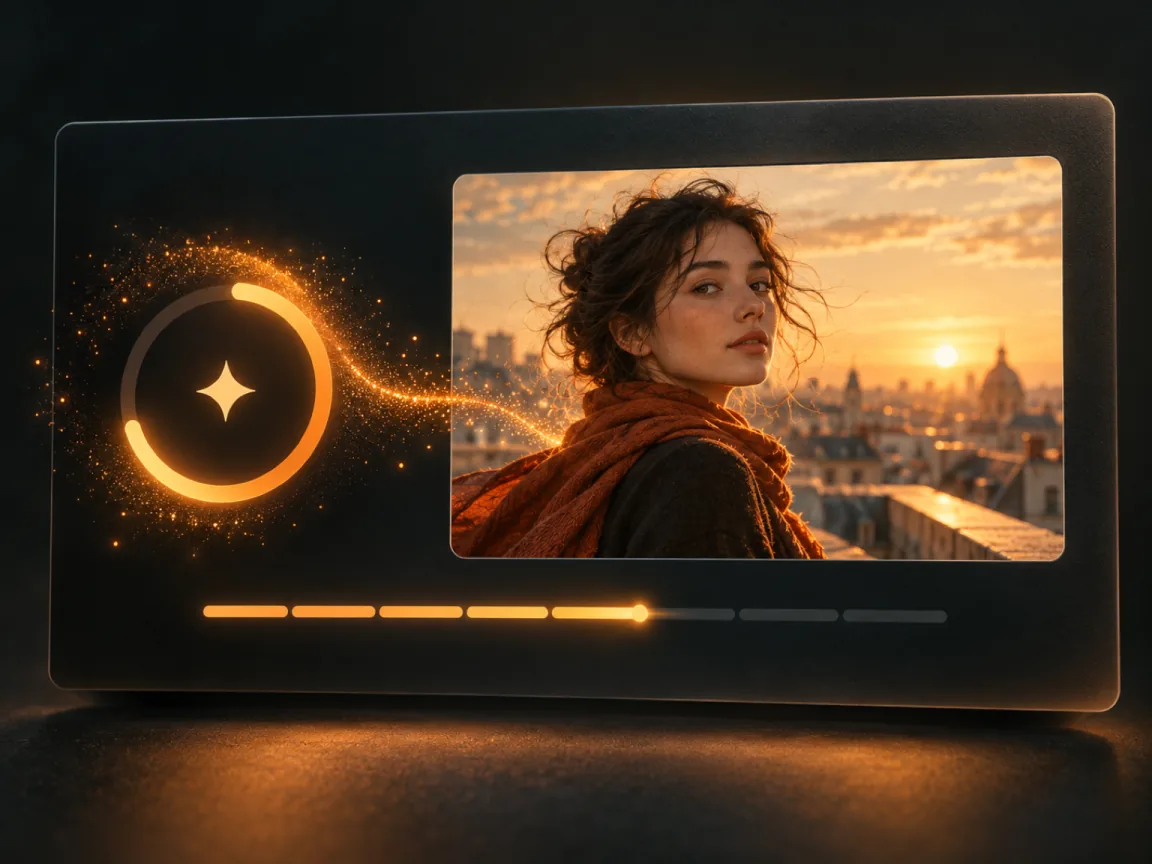
  2. Illustration of a still photograph being turned into a short clip
    Step 2

    The preset adds gentle motion

    You do not pick the model. The server uses Kling 2.5 Turbo Pro for 5 seconds at 720p, and the clip is silent. The request keeps the photo’s proportions. You may add an optional note of up to 200 characters. The player on this page is a 4:5 frame.

  3. Illustration of downloading the finished clip
    Step 3

    Watch it, then download

    The clip plays here and is kept in your Library. You can leave while it runs. Download the file when it finishes.

Motion, not a restoration

What this preset changes, and what it leaves alone.

An old portrait with only a small amount of motion added

01

A small move, not a new scene

The preset asks for gentle, natural motion on the photo you uploaded. An optional note, up to 200 characters, is added after that preset. It will not invent a different day, place, or person.

  • One photo. No model picker on this page
  • Aimed at a blink, a breath, or a small shift in cloth or hair
  • Faces and fine detail can still drift. Check the result before you share it
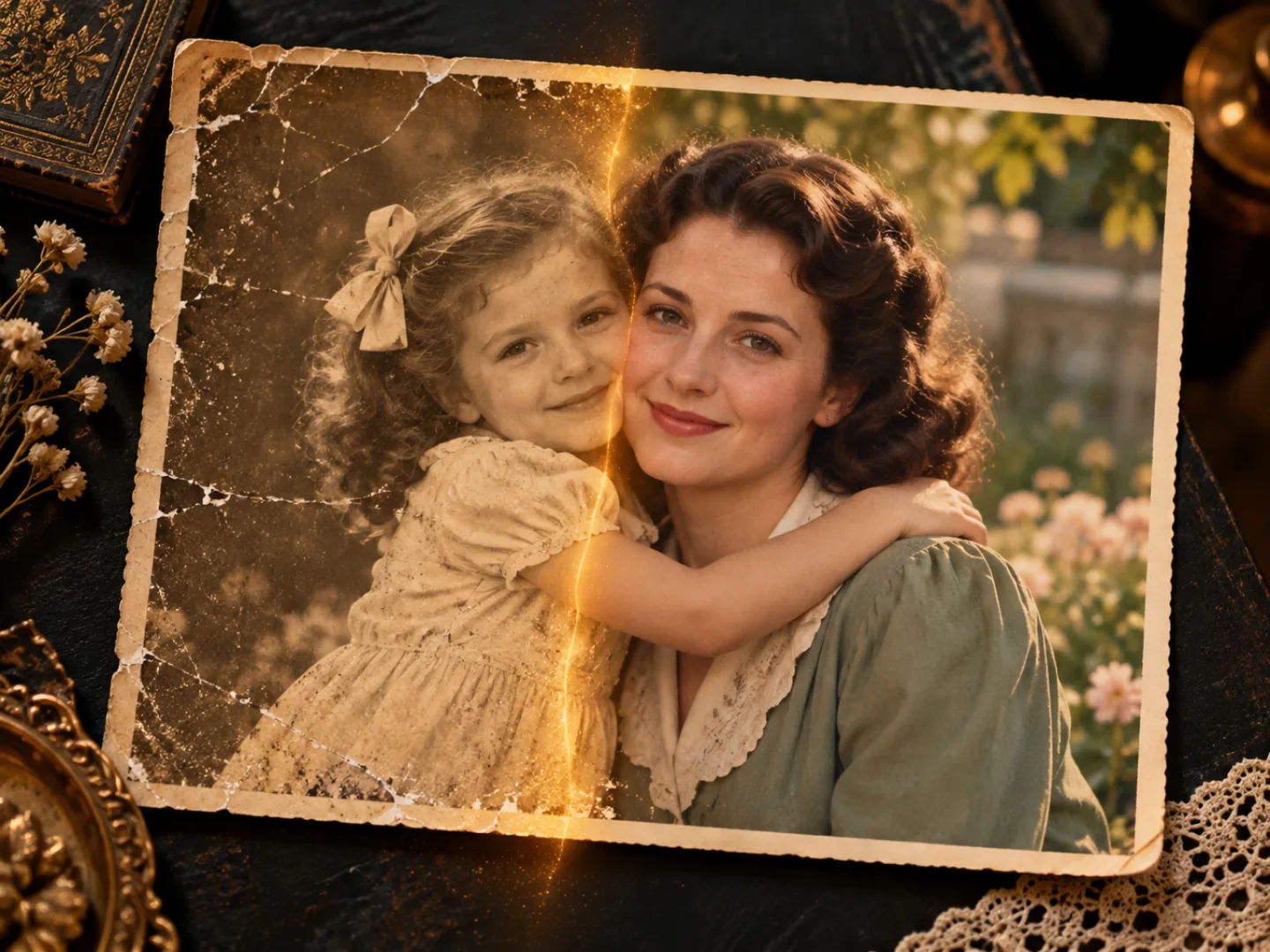
A portrait photograph kept in its own frame while it moves

02

The photo’s frame stays

The preset keeps the uploaded photo’s proportions instead of asking you to crop it to 16:9 or 9:16. The player on this page is 4:5, the shape of a printed portrait.

  • Five seconds. Not a length slider
  • You are not choosing 16:9, 9:16, or 1:1 on this page
  • A wide photo is not recut into a new composition by this form
An unrestored old photograph shown next to a short motion result

03

Repair is a different job

Faded color, creases, and missing pieces stay as they are in the file you upload. This tool adds motion. It does not restore, colorize, or rebuild a face.

  • The credit cost is the number on the Generate button
  • A clip that fails returns the credits that were charged
  • For a custom prompt or another model, use image to video

Who this short clip is for

A private or shared keepsake. You download it and decide where it goes.

  • A family album

    Give one portrait a few seconds of motion for a gathering or a message. Only upload photos you have the right to use, including photos of other people.

  • A keepsake, not a reconstruction

    The person in the photo is not brought back, and the picture is not repaired. You get a short moving version of the still you already have.

  • A scan you already made

    Start from a scan or a photo of a print. Dust and damage in that file will be in the clip. Clean the scan first if you care about that.

  • Something you can send

    Download the file and send it yourself. This page does not post to a social account, and it does not make the clip public.

Want to write the motion yourself?

Image to video lets you choose Seedance, Grok Imagine, or Kling, write a motion note, and pick 4, 8, or 12 seconds. That page is also paid, and the button there shows its own price.

Open image to video
An old portrait with only a small amount of motion added

Old photo animation questions

Give one photo a few seconds of motion

Upload the portrait, read the credit cost on the button, and download the clip. Damage in the photo is not repaired. A failed clip is refunded.