01
A character to build on
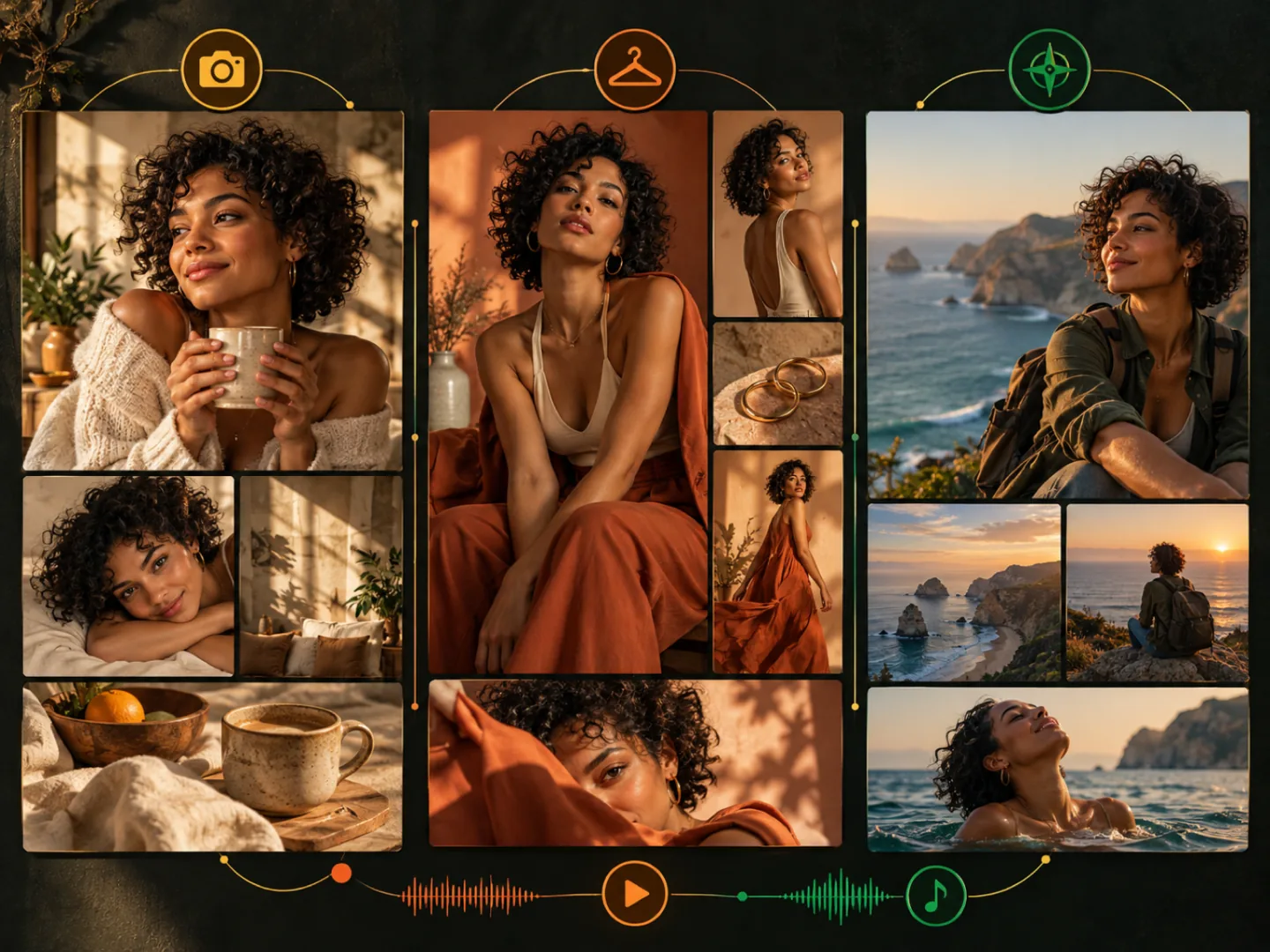
Save the character sheet for later prompts and attach your chosen portrait as a reference. Compare each new face with that portrait; a written description cannot lock someone’s appearance.
The free AI influencer generator writes a fictional persona, a reusable character sheet and photo or video prompts. No sign-up needed. Review the text here, then choose whether to spend credits rendering images or clips in the studio.
Describe the account
Main platform
No account needed. Your brief is not stored unless our content filter rejects it; rejected requests are logged for abuse review. Every persona is fictional.
Four made earlier
Pick one to generate a persona in that direction.
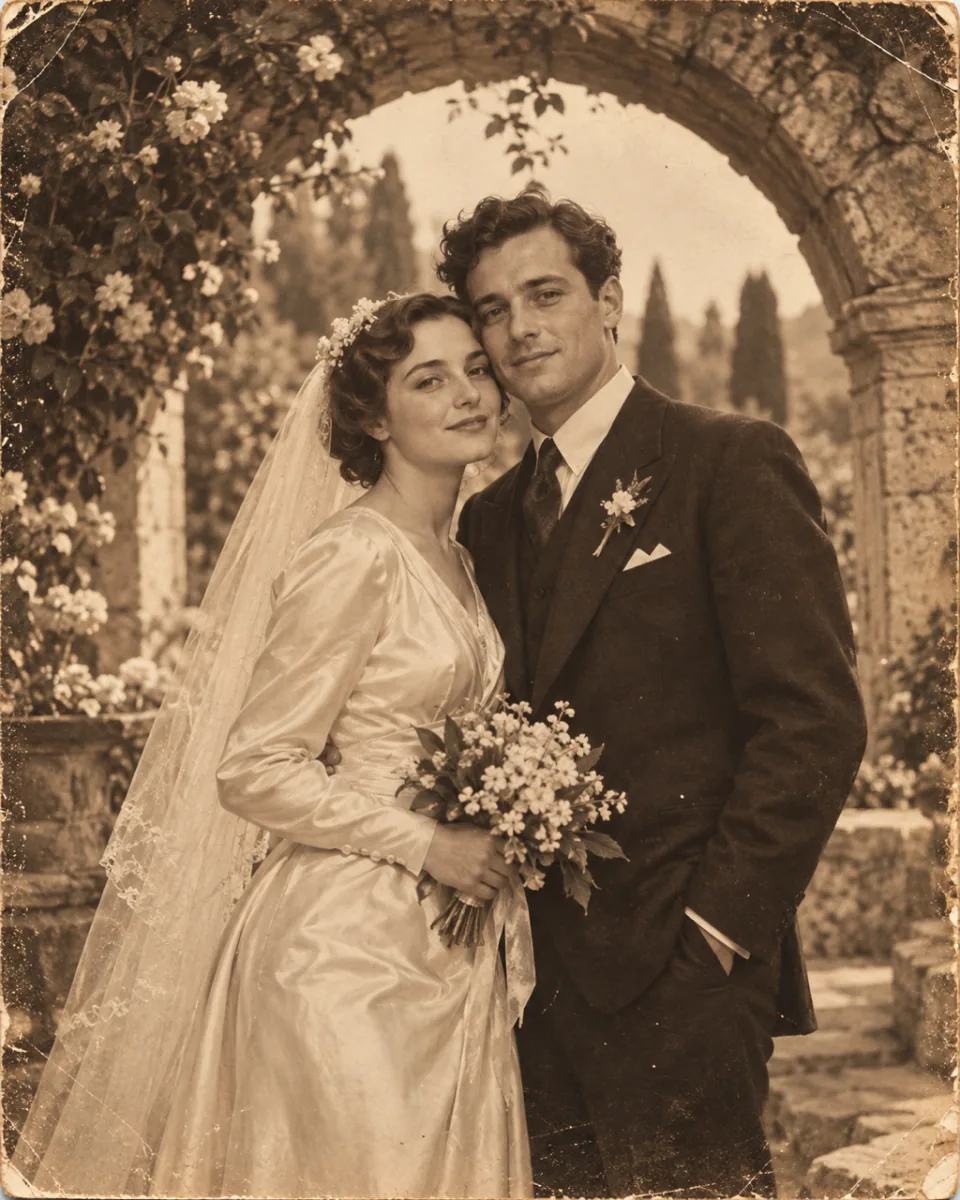
Every portrait here was rendered from a photo prompt exactly like the one you are about to get. Pick one to generate a persona in that direction.
Three steps from a niche to a persona and ready-to-use prompts.
Enter a niche in a few words. Add a look or platform if you have one in mind; otherwise the tool suggests details that fit.
Read the name, handle, bio and audience, then check the content pillars and character sheet. The photo and video prompts describe how to render this fictional person.
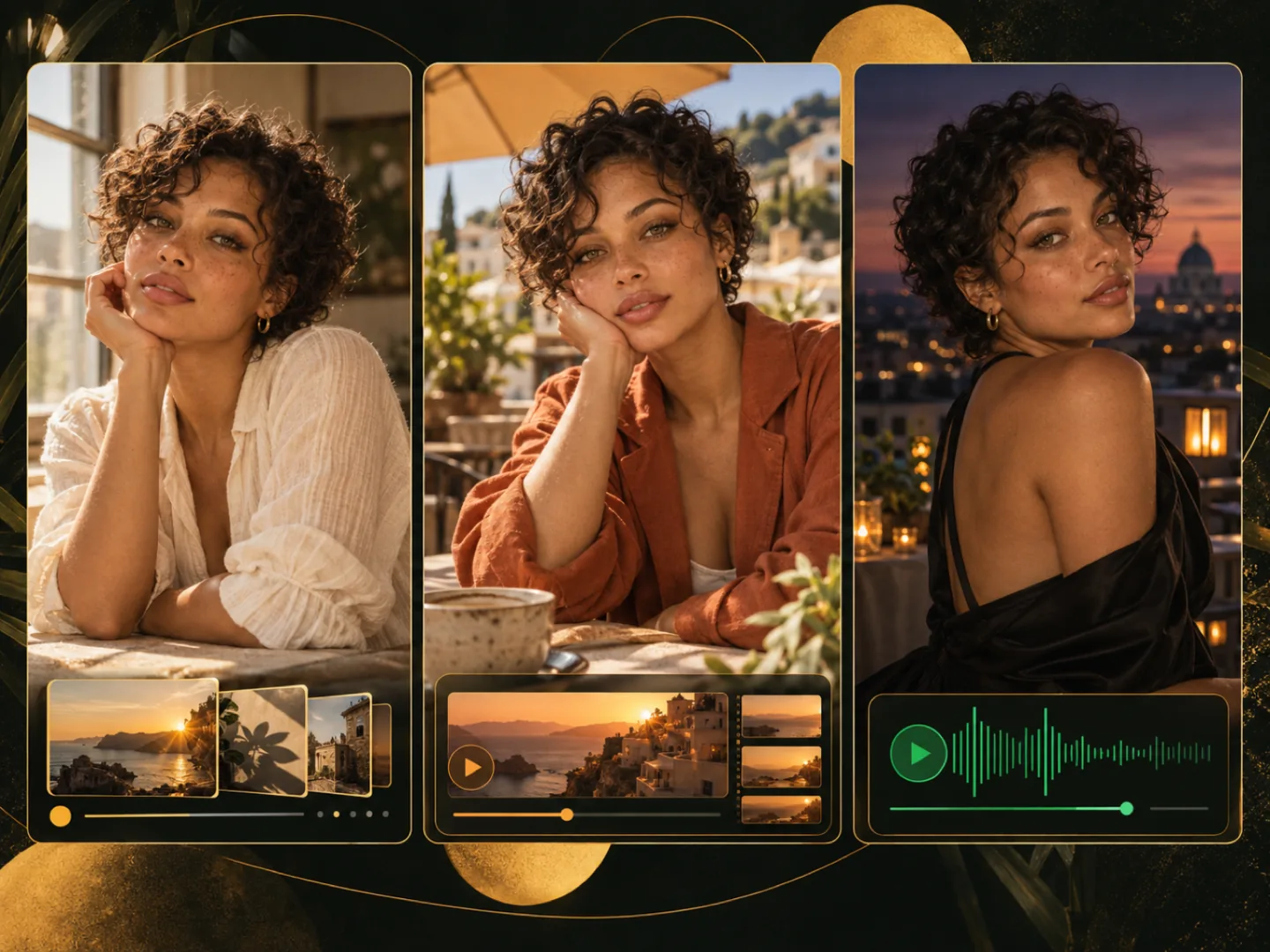
Send the photo prompt to the image studio, then use that picture as a reference for the next post and as the first frame of a short video.
01
Save the character sheet for later prompts and attach your chosen portrait as a reference. Compare each new face with that portrait; a written description cannot lock someone’s appearance.
02
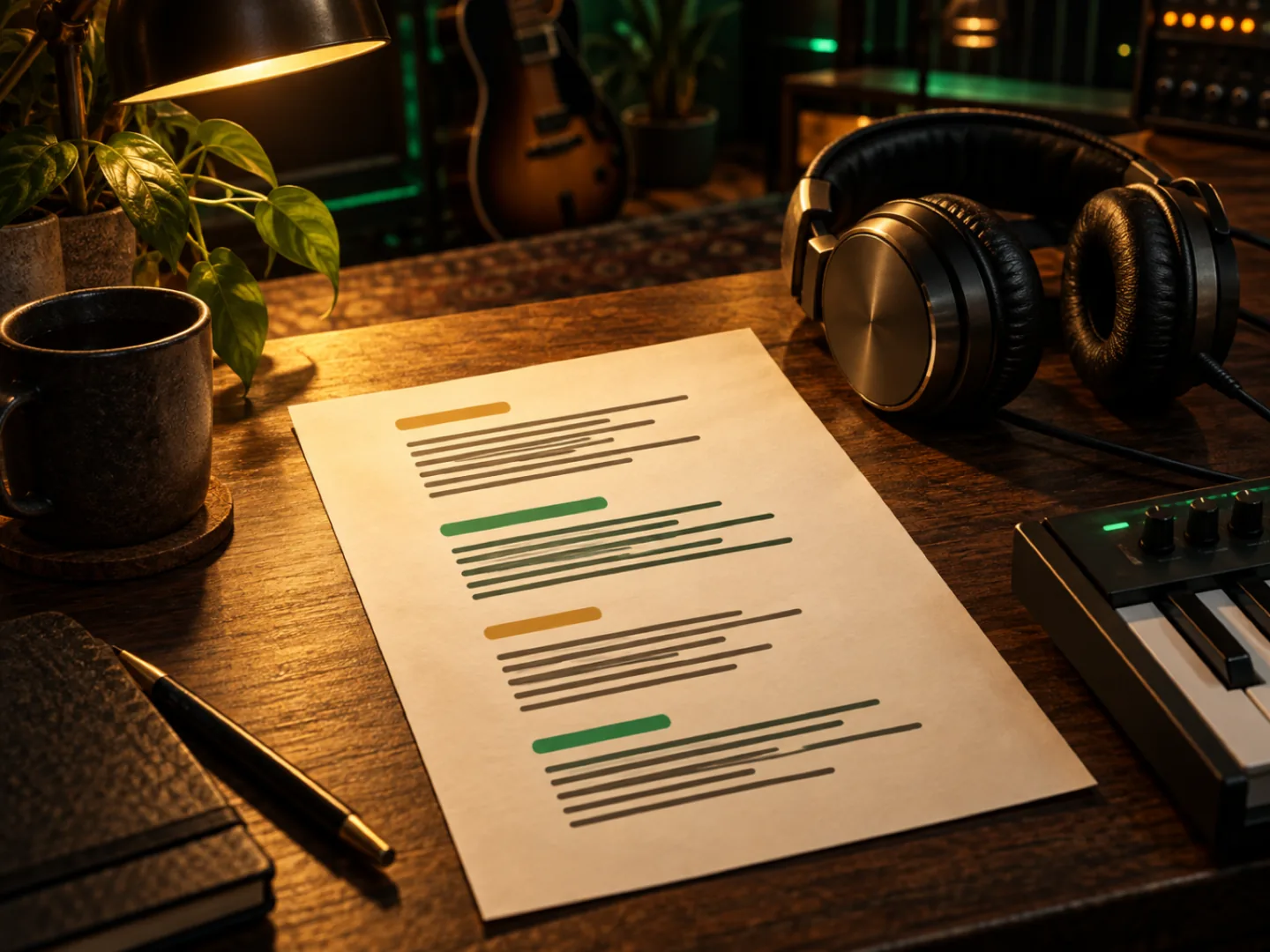
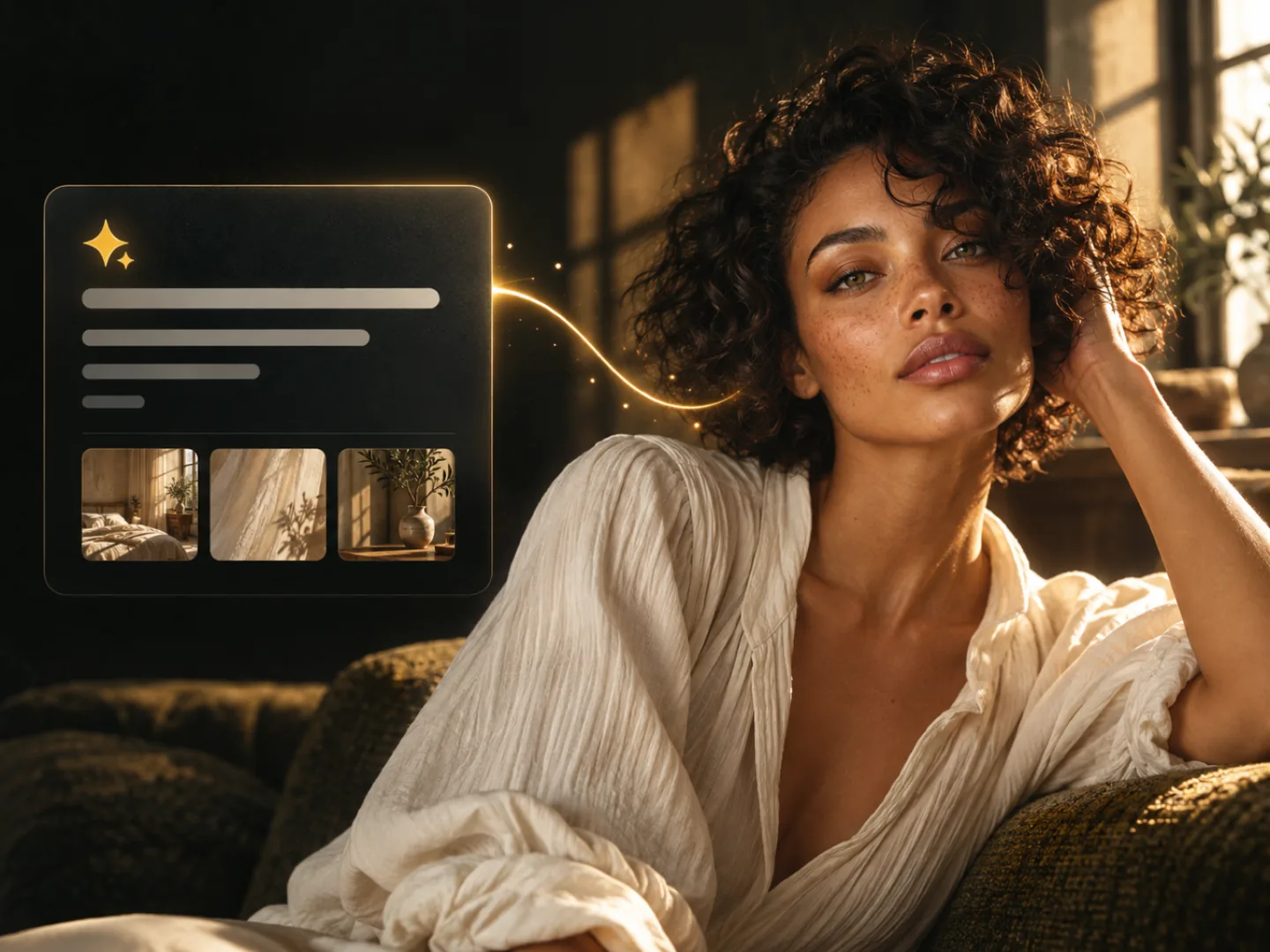
The photo prompt describes framing, lighting, lens and wardrobe. The video prompt adds one action, one camera move and an ending state for an image-to-video clip.
03
Read three content pillars and three ideas for first posts. Use them to decide what the account will publish before making its profile picture.
04
For example, enter “balcony herbs for beginners” as the niche and “adult urban gardener, natural daylight” as the look and style; this gives the character an audience and a setting before you ask for a bio. Choose a platform if you have one in mind, then compare the returned bio with your brief: it should explain why someone would follow this account. Edit any background details that don't fit. The tool does not research demand, check handle availability or create a social account.
05
Before making a portrait, separate the details you want to keep, such as face shape and hair, from things that can change between posts, such as a jacket, location or pose. Check that the suggested posts fit the account’s content pillars, and save your chosen portrait with the character sheet so you have both references ready when you make the next image. Inspect new results at full size, especially eyes, hands and clothing; faces can drift even with a reference. Approve the still before spending credits on motion.
06
The persona and both prompts cost nothing and need no account. Credits are only spent when you generate an actual image or video.
Send the photo prompt to the image studio, then use that picture as a reference for the next post and as the first frame of a short video.
Generate their first photoWhen you have a persona and photo prompt you want to keep, open the image studio to create a portrait. Save your chosen picture as a reference for later posts. The personas are fictional. Avoid impersonating real people and follow the platform’s rules for labelling AI-generated content.
We use cookies to run this site. With your consent, we'd also like to use analytics and live-chat support cookies to understand usage and improve the product — these stay off until you accept. Learn more