
AI Christmas Photo: 7 Portrait and Card Prompts
Make an AI Christmas photo from text or your own picture. Get seven prompts, compare editing credits, preserve familiar faces and prepare a holiday card.
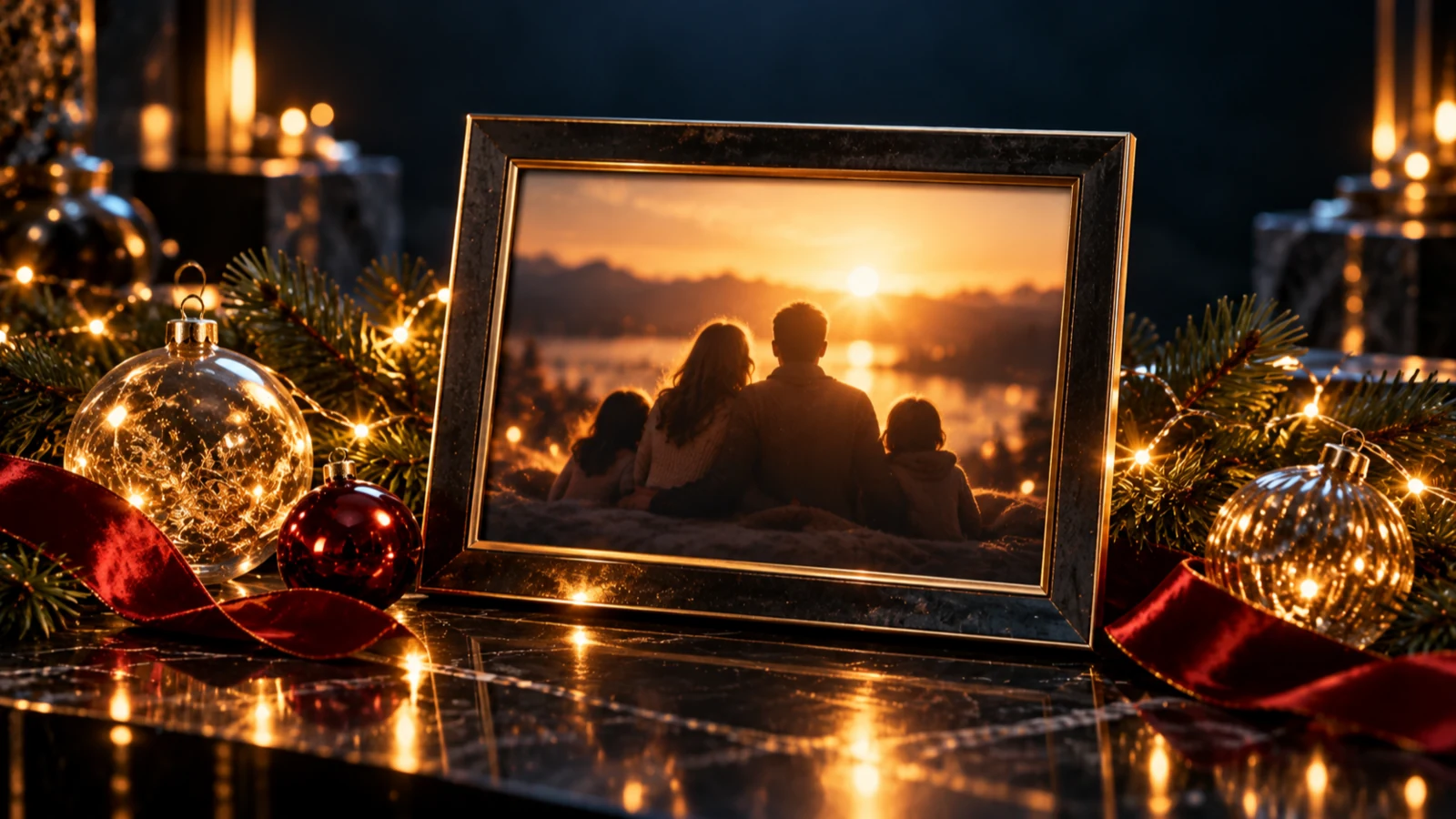
To make an AI Christmas photo, use text-to-image for an invented holiday scene or image-to-image to restyle a photo of your own family, partner or pet. Upload a clear reference when recognizable faces matter, describe the festive changes, and check each face before adding a greeting. A reference guides the result; it doesn't guarantee an exact likeness.
Choose the card size before generating so you can leave room around the people and greeting. These seven prompts are original examples to adapt; they have not been tested by generating images.
Choose an AI Christmas photo workflow
Use text alone for a snowy cottage, a card background or fictional people. An AI Christmas photo generator can't infer your family's actual appearance from “two parents and a child.” If the people must look like you, start with a photograph.
For a reference edit, choose a source where everyone is visible, with open eyes and enough light to distinguish facial features. Keep the original pose for the first attempt. Replacing the room while also asking everyone to turn, laugh and hold gifts gives the model too much to redraw.
A pet photo follows the same rule. Pick one with visible eyes and clear fur markings. A Santa hat should sit above the eyes without hiding the features you recognize.
The reference-image editing guide covers broader editing choices. Here we'll concentrate on holiday portraits and cards. For formal couple portraits, use the separate wedding photo guide.
Reference-compatible models and credit costs
The repository configuration checked on October 29, 2026 lists these image-editing options. Figures are SynthPulse credits per image, not vendor API prices; the live quote takes priority.
- Nano Banana: 10 credits, one output size.
- GPT Image 1.5 Image-to-Image: 10 at medium quality or 55 at high; square output only in this studio.
- Seedream 5.0 Lite Image-to-Image: 14, with its base output at 2K.
- GPT Image 2 Image-to-Image: 15 at 1K or 26 at 2K.
- Seedream 4.5 Image-to-Image: 17, with its base output at 2K.
- Seedream 5.0 Pro Image-to-Image: 18 at 1K or 36 at 2K.
- Nano Banana 2: 20 at 1K or 30 at 2K.
- Nano Banana Pro: 45 at either 1K or 2K.
The Nano Banana family supports text and reference input through the same model choices. GPT Image and Seedream have separate text and image-editing entries. Switch the input mode before choosing your model.
Start with one output. The current production service accepts at most two images per submission; generate four across at least two submissions. Each image is charged at the full unit price. Optional prompt enhancement costs extra. For example, three separate Nano Banana 2 attempts at 1K cost 60 credits before enhancement; that budget doesn't guarantee a usable portrait. A higher price doesn't establish better face preservation.
Make a Christmas photo with AI in the studio
- Open the Image studio. Choose text-to-image for an invented scene, or image-to-image and attach your photo.
- Select a compatible model. For a first reference, a clear JPEG or PNG under the 3 MB per-file limit is a practical choice.
- Paste one prompt below. Adjust the people count and clothing to match your photo; don't leave “two adults” in a prompt for a family of five.
- Choose a supported aspect ratio, size and quantity. Check the total on the generation button, then submit.
- Follow the task status and review your AI Christmas photo in the studio. Compare it with the original at full size before downloading or paying for another attempt.
Most listed editing options accept up to 10 references; Nano Banana and GPT Image 1.5 accept up to 16. More uploads aren't automatically better. One clear group picture gives you an existing arrangement to preserve. If you must combine separate portraits, identify each upload by order and say who belongs where; relative height and lighting may still come out wrong.
Seven AI Christmas photo prompts to adapt
For reference prompts, attach the source and choose image-to-image. For the text-only examples, the subjects are fictional. Set the actual ratio in the form; words about framing don't replace that setting. The Nano Banana 2 prompt examples offer more ways to describe composition without piling on style adjectives.
Cozy living room
Use the people in the reference photo, keeping their positions and facial features as close to the original as possible. Replace the background with a cozy living room, a small Christmas tree on the right and warm white lights. Keep the original clothes and expressions. Soft light on faces, waist-up framing, no added people, no lettering.
This is the place to start if the original family pose already works. Leave the clothes alone until you approve the faces.
Snowy street for a couple
Use the two adults from the reference in the same left-right order. Place them on a quiet snowy street at dusk, with warm light from a bakery window. Keep their faces and hairstyles recognizable. Simple wool coats, gentle snowfall behind them, eyes unobstructed, relaxed original expressions. No signs or text.
If snow covers eyes or hairlines, ask for snow only in the background. Don't request a kiss and a new camera angle in the same edit.
Vintage film card
Create a Christmas portrait of the people in the reference, preserving their facial features and original pose as closely as possible. Muted red and cream palette, soft daylight beside a small decorated tree, subtle film grain and slightly faded colors. Plain cream border with extra room below the photograph. No printed words, dates or logos.
Open the portrait at full size. Heavy grain can hide an inaccurate face.
Pet in a Santa hat
Use the pet in the reference photo. Preserve its muzzle shape, eye color, fur markings and body proportions as closely as possible. Add a small red Santa hat resting above the eyes, with both ears still readable. Plain warm background and softly blurred tree lights, seated pose, no human hands, no text.
Check the paws and coat pattern before deciding the hat is cute enough to keep.
Matching pajamas
Keep exactly the same family members, positions and expressions as in the reference. Change their clothing to simple matching red-and-cream checked pajamas. Keep faces, hair and body proportions as close to the original as possible. Small Christmas tree behind them, soft even light, no held props, no additional people or lettering.
This asks for a clothing edit as well as a setting. If likeness slips, return to the living-room prompt and retain the original outfits.
Minimalist card with greeting space
Create a photographic holiday still life on a warm ivory background. Place one pine sprig and a small red ribbon along the bottom edge. Soft shadow, restrained gold light, empty upper half with no objects. Portrait composition with generous margins. No words, numbers, border or logo.
This text-only prompt produces a background for an AI Christmas card photo layout. Add your own unchanged portrait as a separate photo panel in a layout editor if face accuracy matters more than an invented scene.
Christmas morning by the window
Use the people in the reference without changing their positions. Create a Christmas morning portrait beside a large window with soft daylight. A modest tree and a few unopened wrapped boxes stay in the background. Keep the original expressions, faces and hairstyles as closely as possible. Natural skin texture, no dramatic retouching, no lettering.
Choose daylight if you want to inspect facial detail without strong colored light or deep shadows.
Keep faces recognizable and fix the first wrong detail
For a family portrait edit, check the people before judging the decorations. Compare eyes, nose shape, smile, jawline and hairline against the source. Check children individually. An attractive group portrait can still contain the wrong face.
Suppose the matching-pajamas version changes one child's smile and hides a parent's hand inside a gift box. Return to the original photograph, remove the boxes and keep the clothes. Try this narrower correction as your next prompt:
Keep every person from the original reference in the original position, with the same facial features and expressions as closely as possible. Keep their existing clothes. Change only the background to a plain warm room with one softly blurred Christmas tree. No gifts, no extra people, no text.
If that result is acceptable, decide whether new pajamas are worth another attempt. Comparing only with your last generated image can hide gradual face changes. Keep going back to the original.
If someone is missing or limbs merge, simplify the composition and specify the exact number of people. If a face remains wrong, choose a clearer source photo. For exact face preservation, keep the photograph unchanged and add festive decorations in a conventional editor.
Fit the card, then add the greeting
An AI Christmas photo crop should follow the destination. The studio offers 1:1, 4:3, 3:4, 16:9 and 9:16, subject to model limits. Use square for a square card or post, 3:4 for a portrait card draft, and 9:16 for a full-height phone story. Use 4:3 when a wide family arrangement needs more room.
A 5-by-7-inch card has a 5:7 ratio, so a 3:4 image will need a small crop or border. Neither 5:7 nor 4:5 is a native choice here. Leave room around heads and ask the printer about bleed before laying out the greeting. Check the downloaded pixel dimensions against the printer's requirements; “2K” alone doesn't establish print suitability.
Add final lettering afterward. AI-rendered words can contain errors; precise placement and clarity also remain documented image-generation limitations, checked in October 2026. An editable text layer lets you proofread a surname, change the year or move “Merry Christmas” without regenerating the portrait. Inspect every letter before printing.
Ask permission before uploading or sharing another person's photo, and get a parent or guardian's agreement for children's pictures. Use a photo you own or have permission to edit. Present an invented snowy trip as a festive creation rather than a real event.
FAQ
Can I make an AI Christmas photo for free?
Image generation uses credits. Any signup credit grant is admin-configured and subject to eligibility; a new account doesn't guarantee an allowance. Check your balance and the selected model's quote before submitting.
Which AI Christmas photo generator keeps faces exactly the same?
None of the workflows described here guarantees identical faces. Use a clear reference, keep the pose, and inspect each person. For exact preservation, keep the original photograph and add decorations around it with an editor.
Can I make a family Christmas photo from separate pictures?
Yes, compatible models accept multiple references. Specify the upload order and each person's position. Separate photos can have incompatible light or perspective, so a clear group photo is the simpler starting point.
How do I add a greeting to an AI Christmas card photo?
Generate without lettering and leave an empty area. Add the greeting as editable text in a layout editor, then check spelling and the final crop. Order one proof before a full print run.