Your sound, in a square

AI Album Cover Generator

Turn a genre prompt or photo into square cover art with artist and title lettering. Free credits for eligible new accounts.

Create your cover

Choose a direction, then make it your own.

Prompt

Model

Describe what you want before generating.

Artist, title, photo & settings (optional)

Your words are added to the prompt. Start with GPT Image 2 for lettering; other models may misspell. Always proofread.

Reference image

Aspect ratio

Resolution

Check your cover at listening size

One cover, three everyday views.

Streaming list

Your release title

Your artist name

Now playing
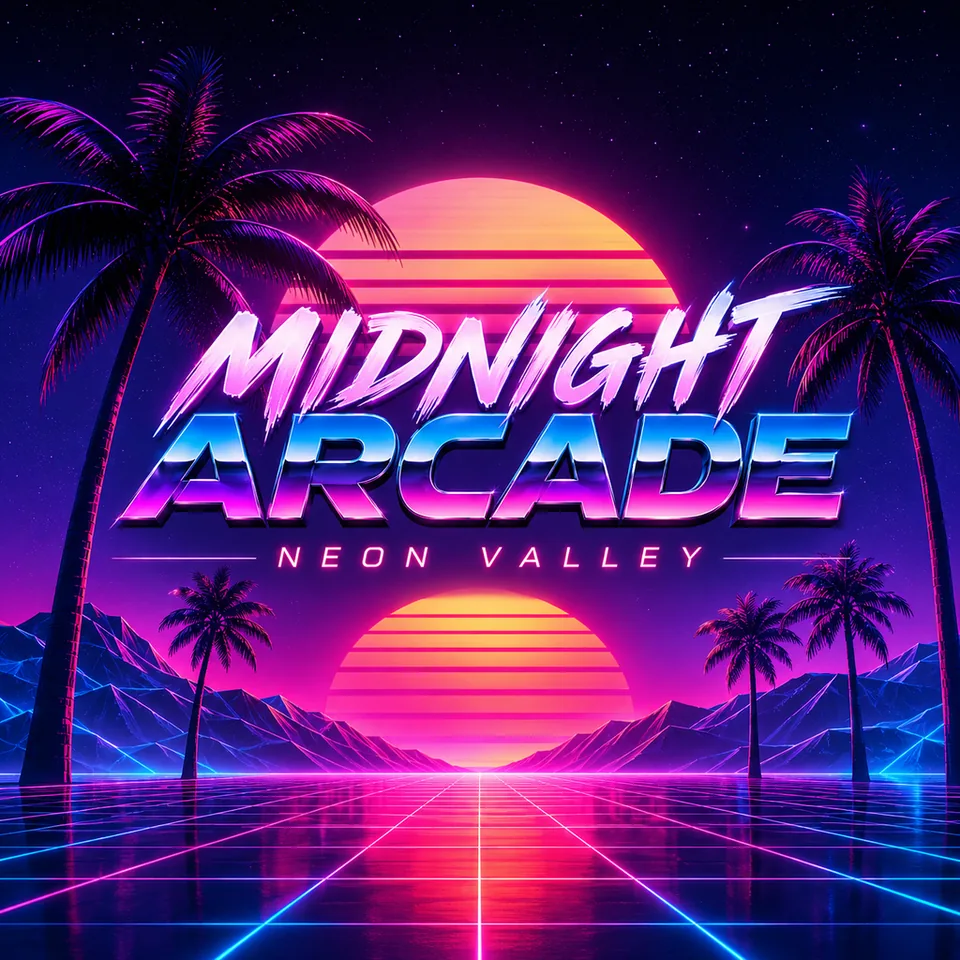
Real GPT Image 2 synthwave output with correctly spelled MIDNIGHT ARCADE and NEON VALLEY lettering

Your release title

Your artist name

Phone player

Your release title

Your artist name

Real GPT Image 2 sample; proofread new results. Title and artist labels do not edit the artwork.

  • GPT Image 2 · Nano Banana 2 · Seedream 5.0 Lite
  • Live credit quote before you generate
  • Status, result and download stay here

Find the visual language of your sound

These are real model outputs. Choose a genre to load its visual brief, then change the scene, palette and lettering. New results will vary.

Real GPT Image 2 synthwave cover output with a neon grid, sunset, MIDNIGHT ARCADE title and NEON VALLEY artist name
GPT Image 2Lettering

Synthwave · midnight arcade

Show prompt

Original square synthwave cover artwork. Neon magenta and cyan grid leading toward a striped sunset, silhouetted palms and distant purple mountains, retro airbrushed texture. Bold central space for optional title and a smaller artist line beneath it. Use only the separately supplied title and artist name if provided. No existing album recreation, celebrities, logos or URLs.

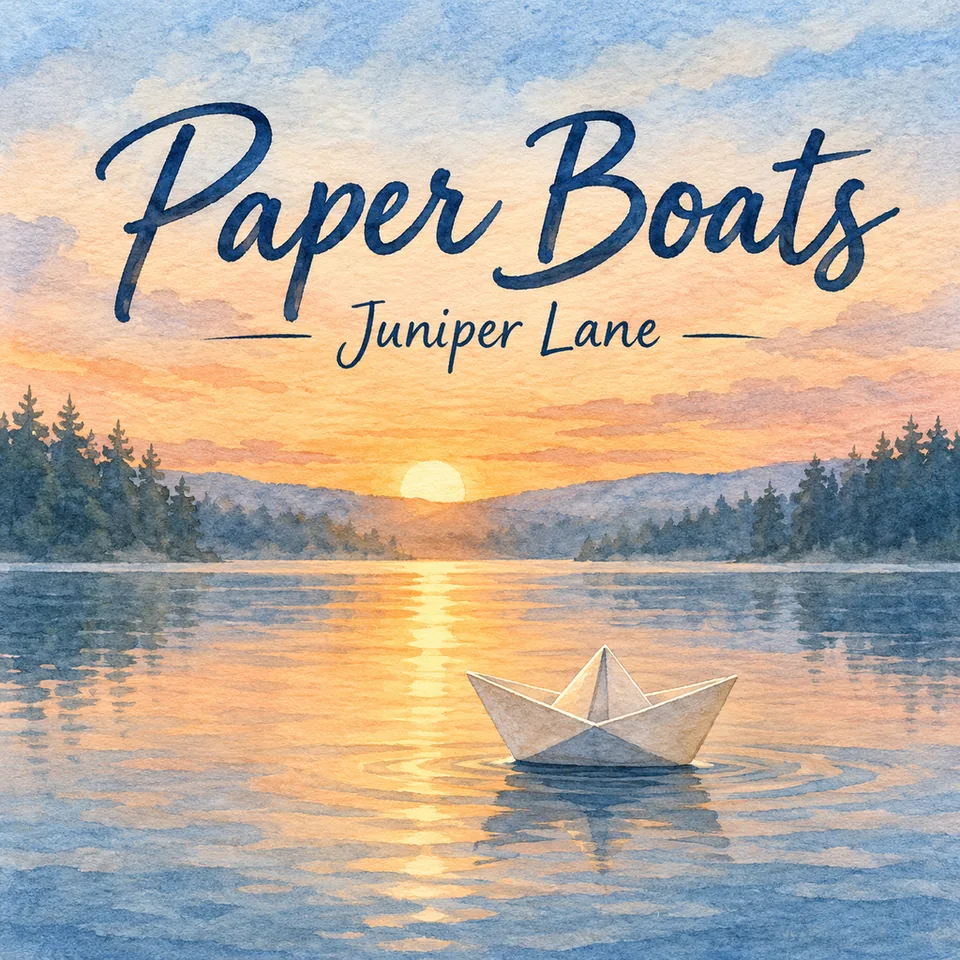
Real GPT Image 2 folk cover output with a watercolor lake, a paper boat, Paper Boats title and Juniper Lane artist name
GPT Image 2Lettering

Folk · paper boats at sunrise

Show prompt

Original square folk cover artwork. A small folded paper boat on a still lake at sunrise, pine silhouettes, soft blue hills, warm peach sky and tactile watercolor paper. Reserve the quiet sky for an optional hand-lettered title and a smaller artist name. Use only the separately supplied words if provided. No existing artwork recreation, logos or URLs.

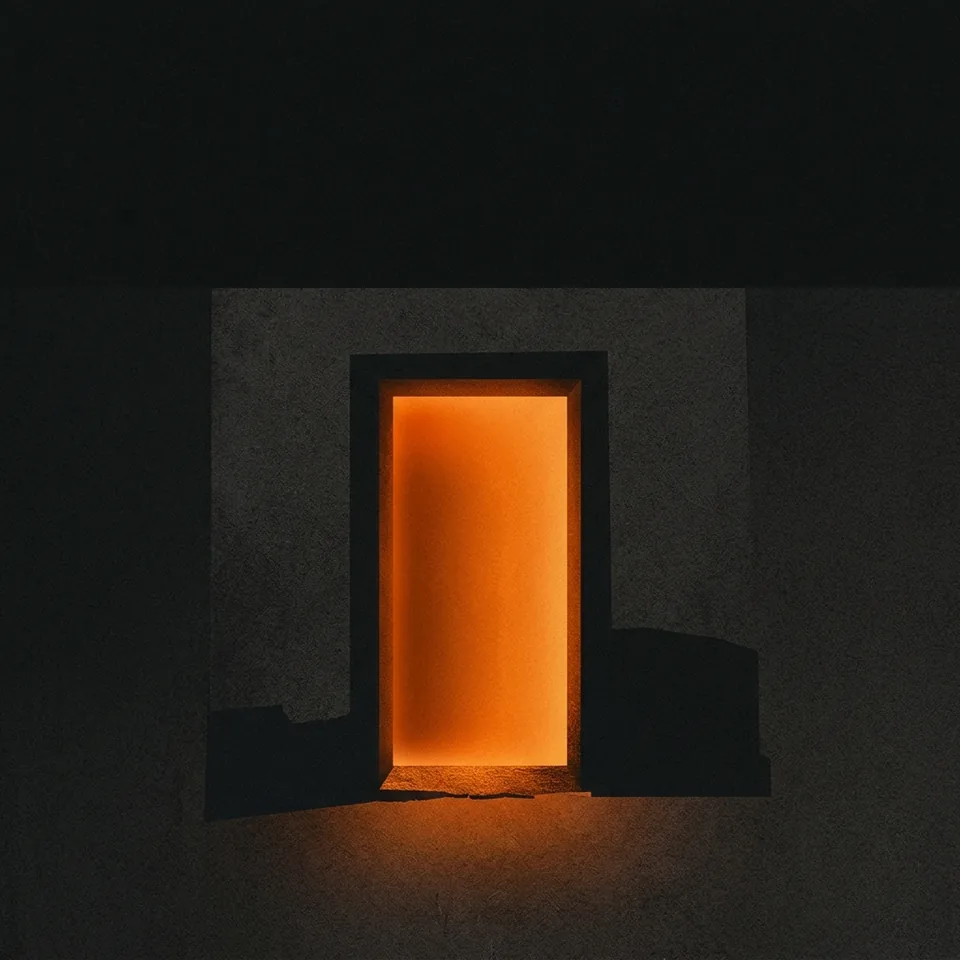
Real Nano Banana 2 hip-hop cover output with a glowing orange doorway on charcoal, without lettering
Nano Banana 2

Hip-hop · a doorway after dark

Show prompt

Original square hip-hop cover artwork. One glowing burnt-orange doorway on a charcoal field, bold graphic shapes, subtle paper grain and deep contrast. Keep a quiet dark area for optional title lettering. No celebrity likeness, existing cover recreation, logos or URLs. Readable at thumbnail size.

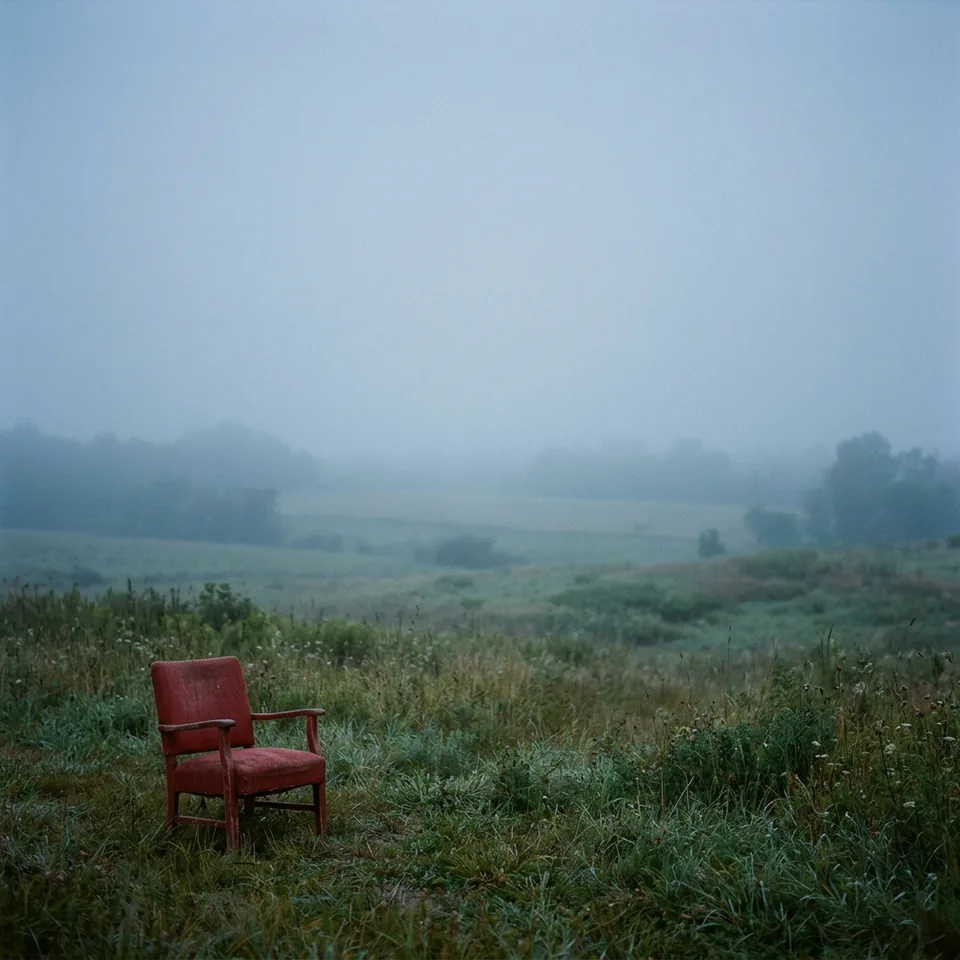
Real Nano Banana 2 indie cover output showing a red chair in a misty blue field, without lettering
Nano Banana 2

Indie · a quiet blue hour

Show prompt

Original square indie cover artwork. A single faded red chair in a wide misty field at blue hour, muted slate blue and pale sage, soft film grain. Chair small in the lower left, upper half quiet for optional lettering. No people, logos, URLs or references to existing album covers.

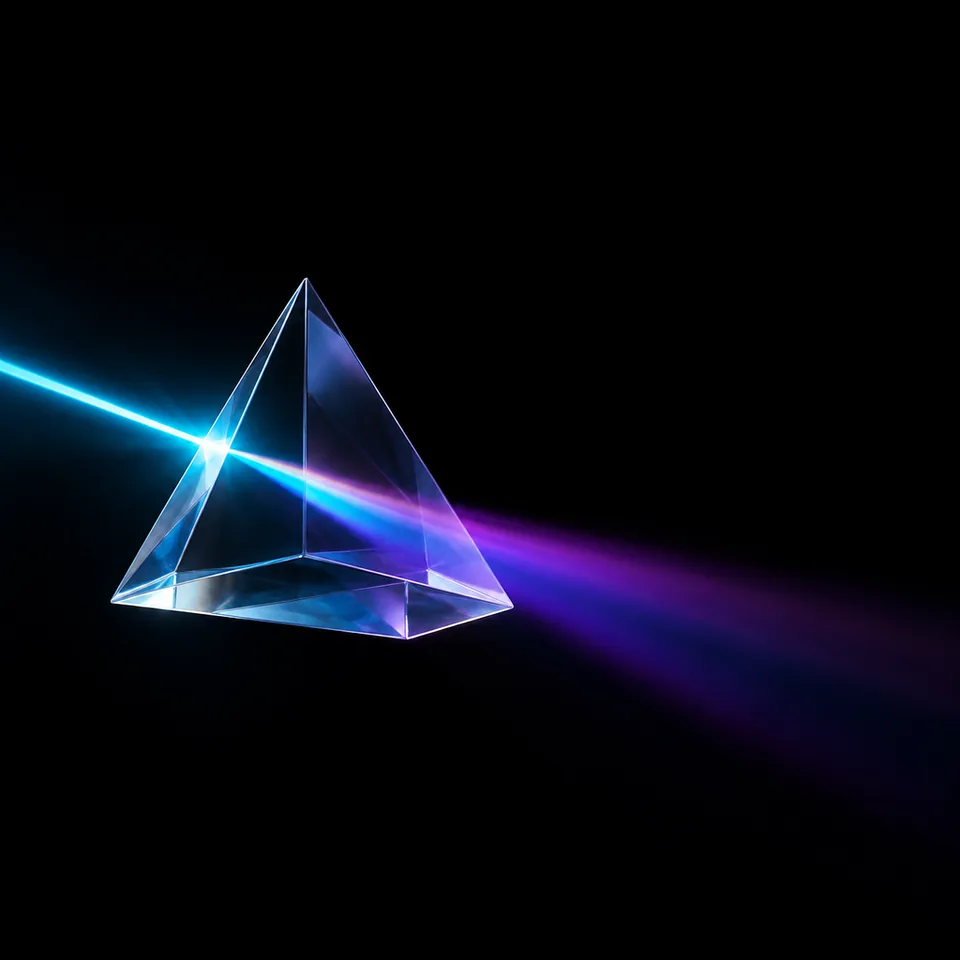
Real GPT Image 2 electronic cover output featuring a glass prism and colored refracted light, without lettering
GPT Image 2

Electronic · refracted light

Show prompt

Original square electronic cover artwork. One translucent glass prism suspended against near-black, a narrow cyan light beam refracting into violet, precise geometric edges and restrained glow. Leave negative space for optional typography. Minimal, high contrast, no logos, URLs or copies of existing artwork.

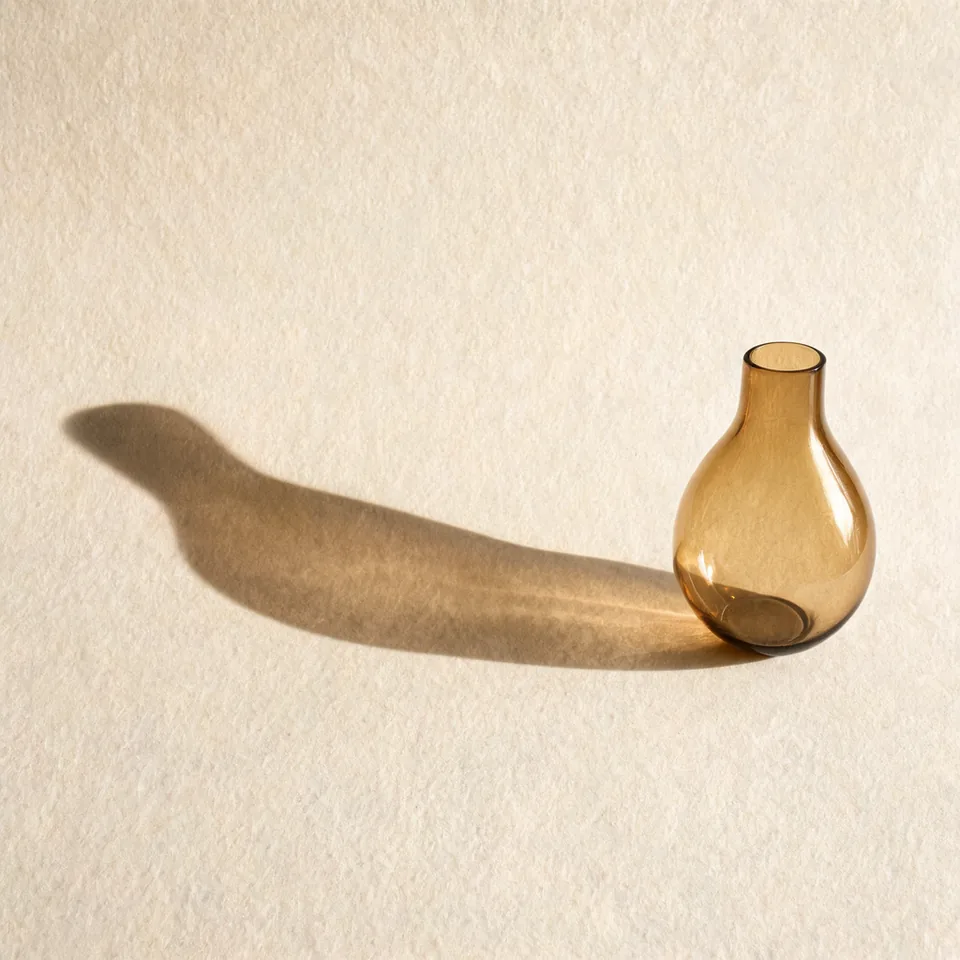
Real Seedream 5.0 Lite jazz cover output with an amber vase and warm curved shadow, without lettering
Seedream 5.0 Lite

Jazz · an amber still life

Show prompt

Original square jazz cover artwork. One amber glass vase on textured cream paper, a long curved shadow from a low warm light, tobacco brown and muted gold palette. Vase on the right, left half quiet for optional typography. Intimate still-life photograph, no people, logos or URLs.

About these samples

GPT Image 2 rendered both sample titles and artist names correctly. The buttons load the visual direction; add your own words in the optional fields above. These samples do not guarantee error-free lettering.

These samples contain no lettering. Start with the scene and add your own name and title, or leave the fields empty and finish the type in a layout editor.

Shape a visual direction for your genre

A genre is a starting point, not a preset filter. Put the composition, palette and texture into your prompt; change any of them to suit the song.

Hip-hop / rap

Give one object the weight of a portrait: a doorway, a stairwell or an empty court. Charcoal and one warm accent create a strong silhouette; paper grain keeps broad shapes from feeling sterile.

Electronic / EDM

Build around a precise shape and a clear light source. A restrained cyan-violet palette and glass or brushed-metal surfaces can suggest motion without crowding the square.

Rock / punk

Try an off-center crop with rough edges and space for a blunt title. Faded red, dirty white and photocopier texture can carry the energy of a rehearsal-room flyer.

Pop / K-pop

Use one memorable prop or a portrait you have permission to edit. Keep the silhouette clean, choose two confident colors and let polished highlights frame the title rather than obscure it.

Metal

A single weathered form can feel heavier than a crowded fantasy scene. Try iron-gray and bone-white, a narrow shaft of light and etched stone texture; leave lettering room to breathe.

Jazz / soul / R&B

Place a quiet still life against a large field of warm color. Amber, tobacco brown and soft cream work with curved shadows and subtle photographic grain for an intimate mood.

Indie / folk

Let an ordinary object tell part of the story, small within an open landscape. Slate blue, sage and faded red pair well with soft grain or a handmade paper surface.

Lo-fi / ambient

Reduce the scene to a horizon, a reflection or a pool of light. Low-contrast dusk colors and a fine haze suggest space; keep one sharper edge so the thumbnail still has a focal point.

An album cover maker, from the first visual idea

Album art gives your release a face. A template-based album cover maker arranges existing elements; this AI album art generator builds an image from your brief. Use the album cover art generator for composition and lettering ideas, then proofread, check the download and finish the layout before you release it.

Covers for every release

A square is a useful starting canvas. The final file still needs to meet the destination’s own artwork rules.

Real GPT Image 2 folk cover output with a watercolor lake, a paper boat, Paper Boats title and Juniper Lane artist name

Singles, EPs and albums

Choose one image from the lyrics. For a series, keep a palette and title position in your briefs, then compare each result.

Real Seedream 5.0 Lite jazz cover output with an amber vase and warm curved shadow, without lettering

Podcast covers

Use a simple subject and a short show title. Check whether the words remain readable as a small listening-app tile.

Real GPT Image 2 electronic cover output featuring a glass prism and colored refracted light, without lettering

Playlist covers

Describe the listening mood, from late-night focus to a bright morning. Use your own collection name.

Real Nano Banana 2 hip-hop cover output with a glowing orange doorway on charcoal, without lettering

Beat covers

Pair a bold graphic subject with your producer name and beat title. Avoid other artists’ names or portraits.

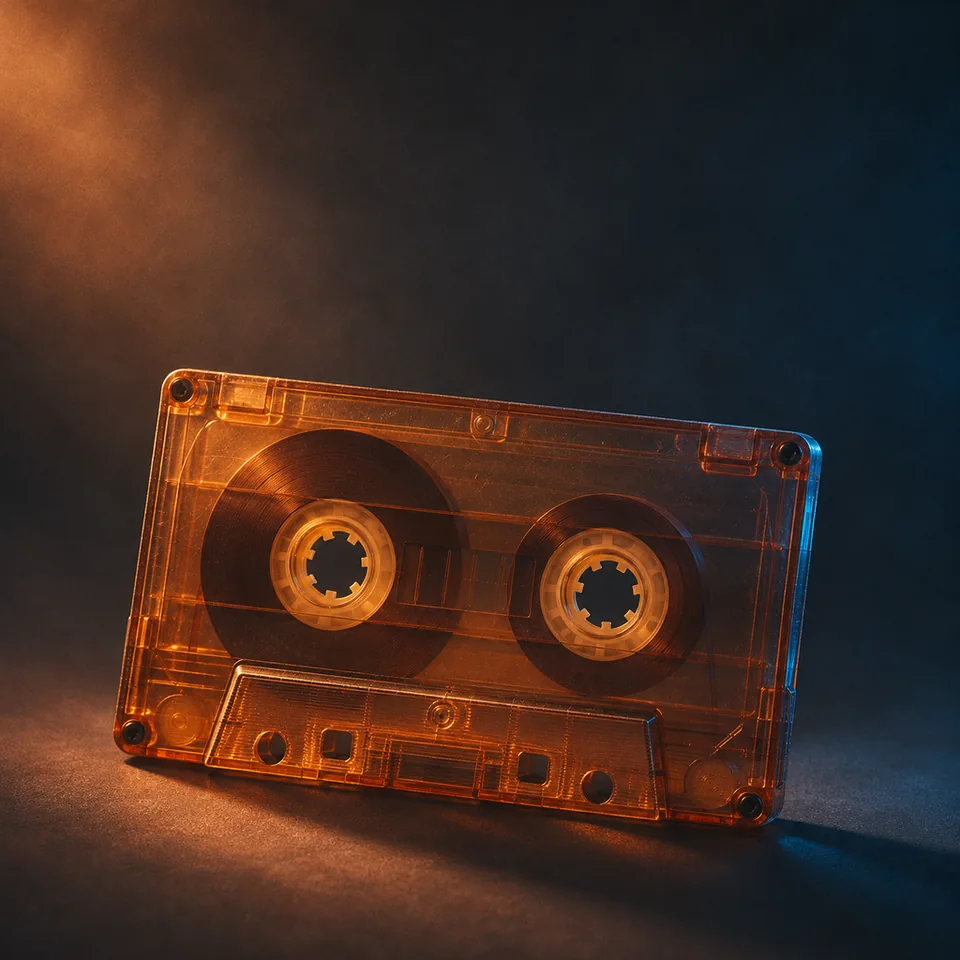
Amber cassette tape with cobalt light on a dark background, as original square cover artwork.

Mixtapes and demos

Give a rough collection one clear visual idea. Keep the title treatment consistent while you test different track orders or versions.

Real GPT Image 2 synthwave cover output with a neon grid, sunset, MIDNIGHT ARCADE title and NEON VALLEY artist name

Vinyl and CD artwork

Use the image as a design starting point, not a print-ready sleeve. For large print, prepare a genuinely high-resolution master or redraw, then follow the printer’s bleed, color and layout specifications.

Original square cover artwork with a repeated visual motif for a series of singles.

Single series and release variants

Reuse a visual motif and change the palette or title for each release. Generate each version separately, then check that the set reads as one series.

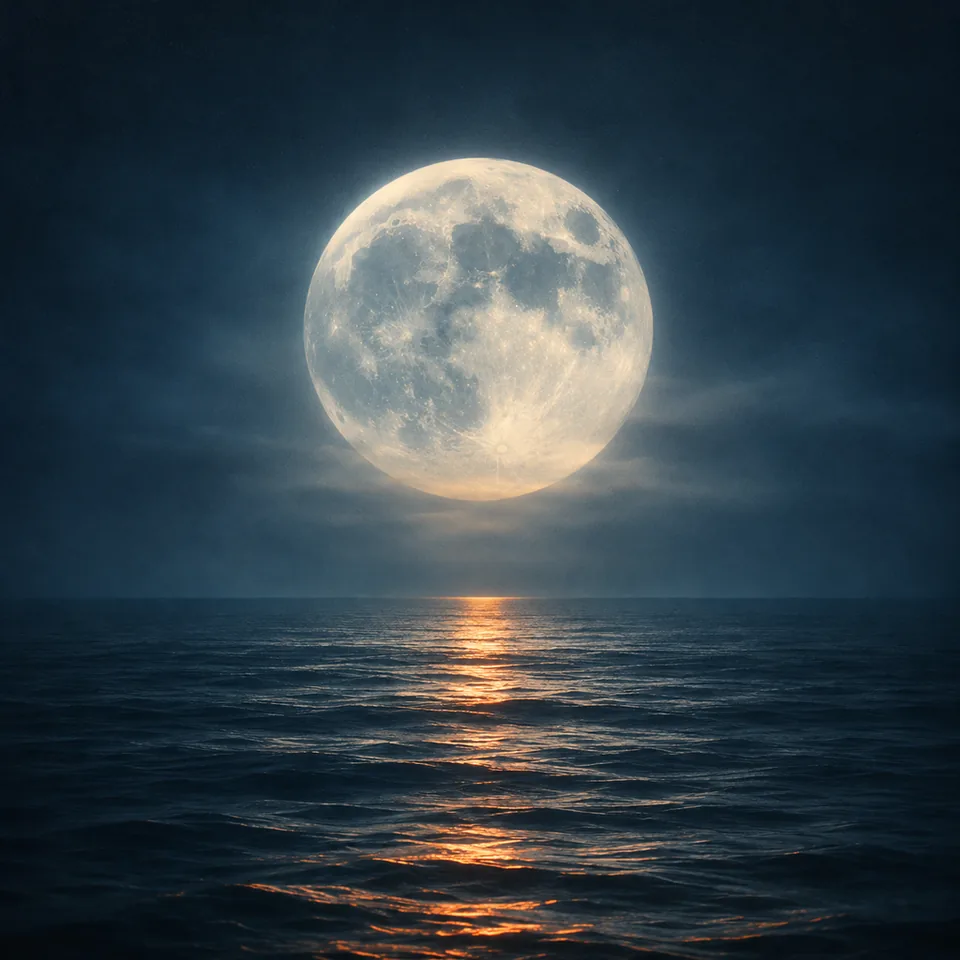
Original moonlit square cover artwork with open space for a lyric-video background.

Lyric video and visualizer stills

Build a visual starting point with space for lyrics. Animate the image in image to video, then add your track and lyrics in your video editor.

From the sound in your head to a cover you can review

The generator makes the image. You make the final call on spelling, dimensions and release requirements.

  1. Step 1

    Choose a genre and make it yours

    Click a real cover example to fill the prompt. Change its subject, mood and colors. Optionally add your artist name and title, or upload a photo you have rights to edit.

  2. Step 2

    Keep it square and check the quote

    Keep 1:1. Start with GPT Image 2 when lettering matters, then choose an available output size. Review the live credit quote and sign in to generate; status stays in this workspace.

  3. Step 3

    Proofread, download, prepare for release

    Check every letter and view the cover as a thumbnail. Download here and inspect the actual pixel size. If your destination needs a larger file, create or redraw a genuinely higher-resolution master and export at the required size; do not upscale a smaller image to meet Spotify or Apple requirements.

Before you upload the cover

Good artwork also needs readable type, usable dimensions and a visual identity you have the right to use.

Treat lettering as something to verify

The optional fields append your exact words to the image prompt. GPT Image 2 spelled the two featured examples correctly; it can still make mistakes. Other models may render text less accurately.

  • Keep titles short and ask for clear contrast between letters and artwork.
  • If a word is wrong, revise and regenerate, or add the final lettering in an external editor.

Describe the mood without copying a cover

Use a subject, palette, lighting and materials from your own music. A red chair in a misty field is a usable direction; a request to recreate another artist’s album sleeve is not an original brief.

  • Avoid celebrity likenesses, existing cover layouts and protected logos.
  • Upload only photos you own or have permission to edit; review the output for third-party rights.

Check the cover where people will see it

A detailed full-size image can become unreadable in a playlist. Reduce it to a small square and check that one subject and the title still stand out.

  • Keep important lettering away from the edges.
  • For photo-based artwork, check faces and edges. A reference guides the result without guaranteeing an exact likeness.

Album cover size: check the destination first

Official guidance checked 2026-11. Requirements can change; each platform name links to its source.

Native output is 1K or 2K, depending on the model; there is no 3000 × 3000 export. If your destination requires more, create a higher-resolution master. Enlarging a download does not satisfy Spotify or Apple delivery rules.

Platform / upload pathMinimum / recommended pixelsRatioFormatText / logo guidance
Spotify (via distributor)640 × 640 min; 10,000 × 10,000 max1:1 squareTIFF, PNG or JPG; sRGB, 24-bitNo upscaling; distributor may add rules
Apple Music (artist guidance)4,000 × 4,000 min1:1 squareJPG, PNG or GIFOnly relevant artist/title text; no extra logos, URLs or promotions
Bandcamp1,400 × 1,400 min; larger recommended1:1 squareNot stated in linked guideNot stated in linked guide
SoundCloud (playlist)800 × 800 recommendedSquare recommendedJPG or PNG; up to 2 MBNot stated in linked guide
YouTube Music (Art Tracks)1,400 × 1,400 recommended min; 4,098 × 4,098 max1:1 squarePNG or JPEGNot stated in linked guide
DistroKid1,000 × 1,000 min; 3,000 × 3,000 ideal1:1 squareJPG; RGBNo URLs, QR codes, prices or streaming/social logos
TuneCore1,600 × 1,600 min; 3,000 × 3,000 max / recommended1:1 squareJPG, PNG or GIF; RGB; under 10 MBArtist/title must match metadata, or omit text; no store logos or URLs
CD Baby1,400 × 1,400 min; 3,000 × 3,000 max1:1 squarePNG, GIF, JPG or JPEG; RGB; under 25 MBArtist/title, if present, must exactly match release metadata

These rows describe different upload paths. Apple’s public artist guidance differs from its distributor delivery profile; the Apple row uses the public artist guidance. YouTube’s row is for Art Track deliveries, not a universal Content ID requirement. SoundCloud’s row is for playlist artwork. “Not stated” means the linked page gives no guidance for that column.

Apple distributor delivery profile

Questions before you make your cover

Give your next release a visual starting point

Choose a genre, add your own words and make a cover you can review here. For composition and finishing, keep the prompt guide nearby.