
Tile view
Seedream 5 Lite
Red brick
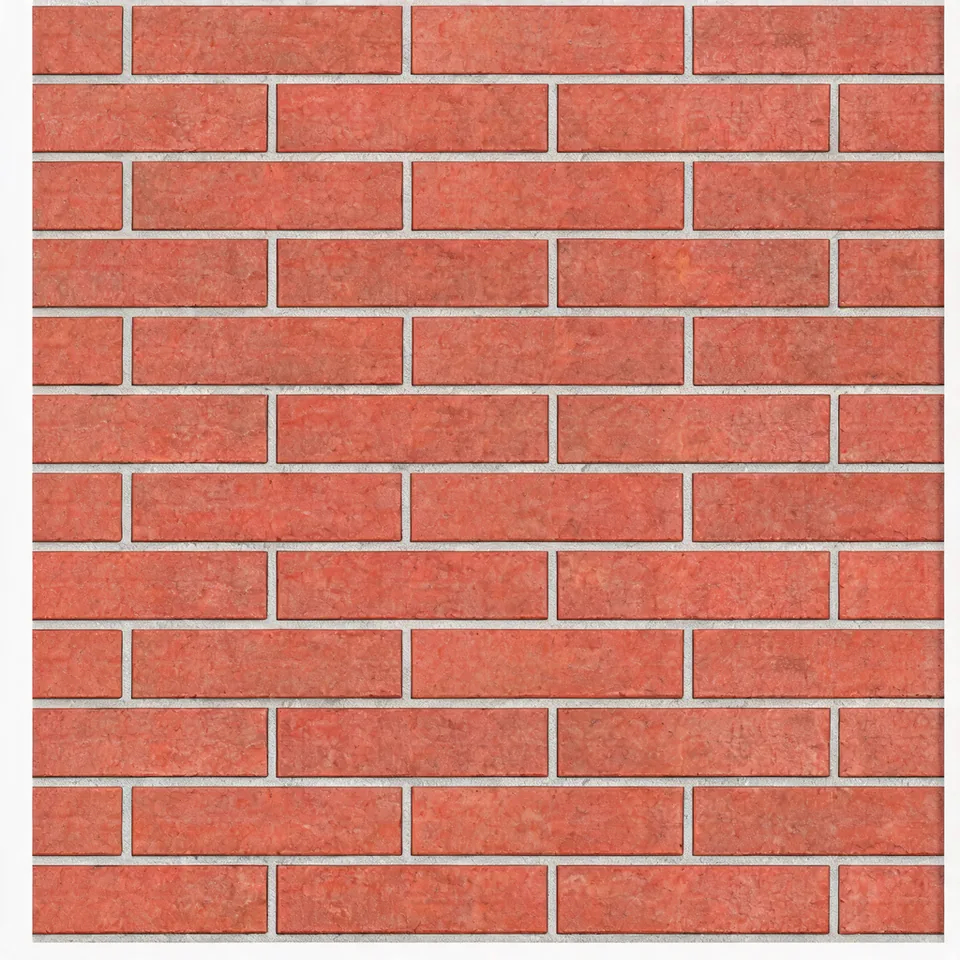
This real output came back with a pale border. Switch to 2×2 and the frame shows up as a grid, which is exactly what the repeat check is for.
Create texture images for tileable designs and check seams before use. Free credits for eligible new accounts.
Start with a scene, style and a few details.
Prompt
Model
Describe what you want before generating.
Reference image
Start with an example, then make it your own.
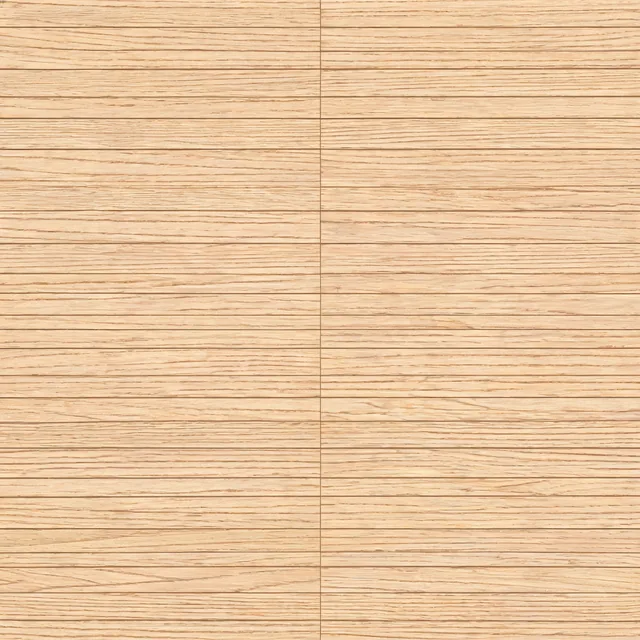
Real Seedream 5 Lite oak output. Switch to 2×2 or 3×3 to look for seams. This is a sample, not your generated result.
These are real model outputs, not guaranteed seamless tiles. Switch to a repeat preview, inspect the joins, then try the material prompt.
This real output came back with a pale border. Switch to 2×2 and the frame shows up as a grid, which is exactly what the repeat check is for.
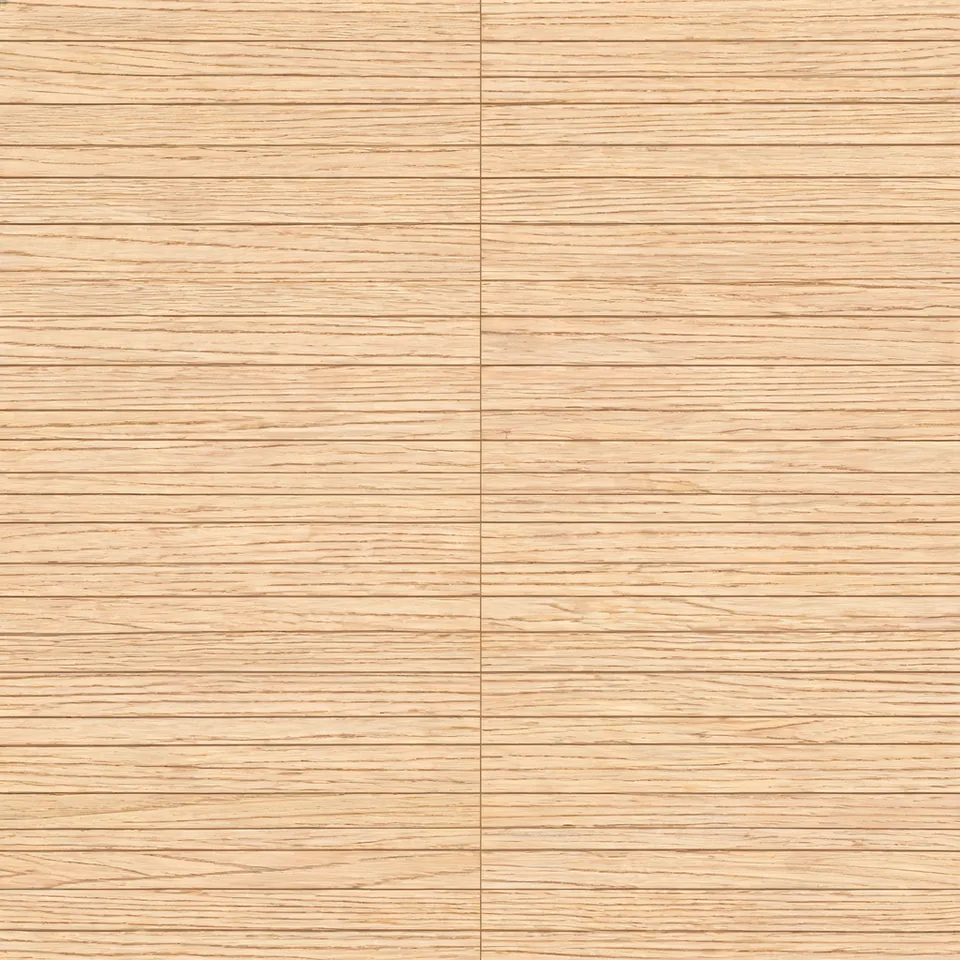
Pale oak wood grain, fine parallel fibers, a 60 cm square area of unfinished wood, subtle small knots, uniform scale, low contrast, flat, top-down, even diffuse light, no shadows, no perspective, fills the frame, designed to tile, no border, no text, no watermark.
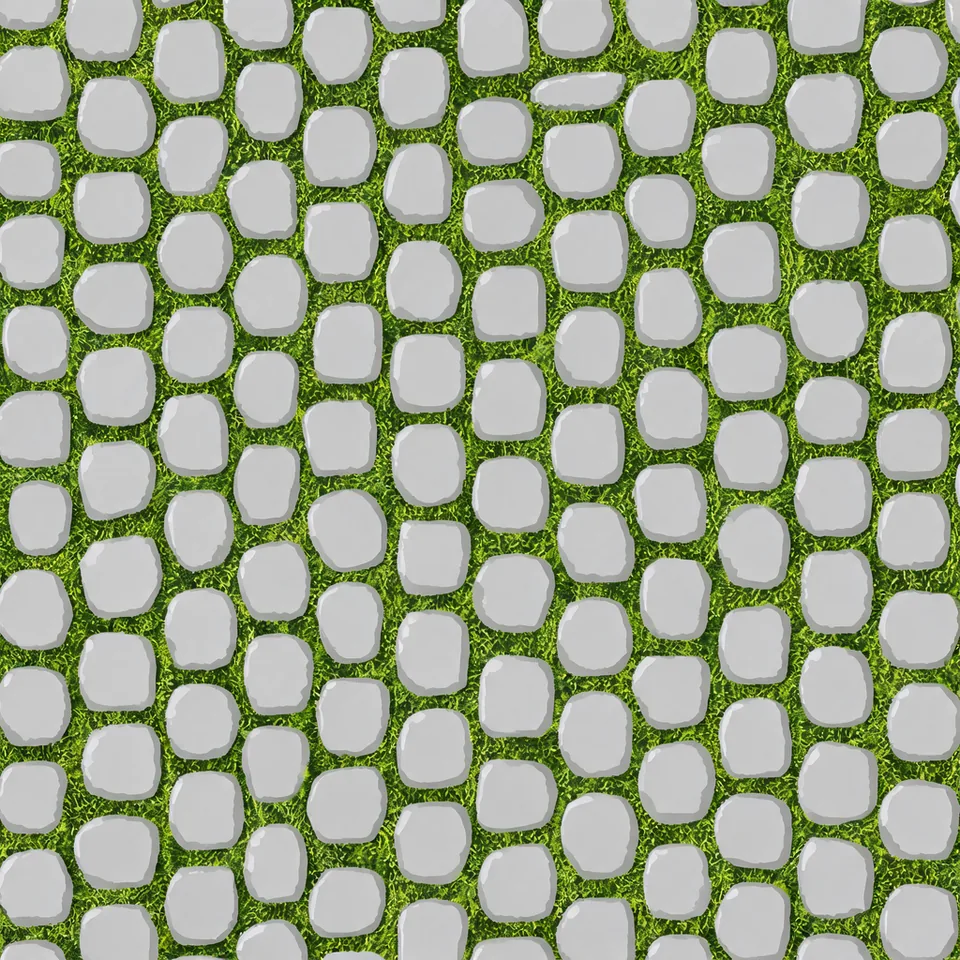
Moss-covered stone surface, small patches of muted green moss over gray stone, a 1 meter square area, consistent detail scale, evenly distributed low-contrast patches, flat, top-down, even diffuse light, no shadows, no perspective, fills the frame, designed to tile, no border, no text, no watermark.
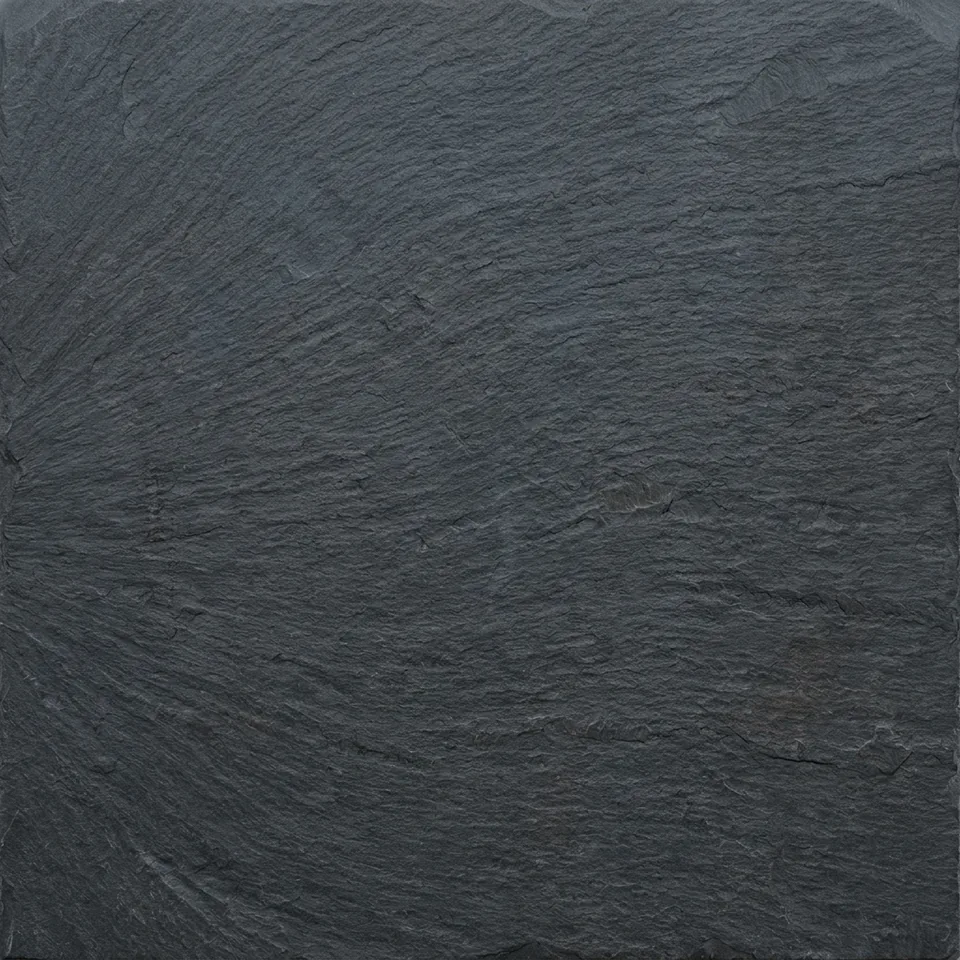
Dark slate stone, fine mineral layers, a 1 meter square surface area, small low-contrast variations, matte finish, uniform scale, flat, top-down, even diffuse light, no shadows, no perspective, fills the frame, designed to tile, no border, no text, no watermark.
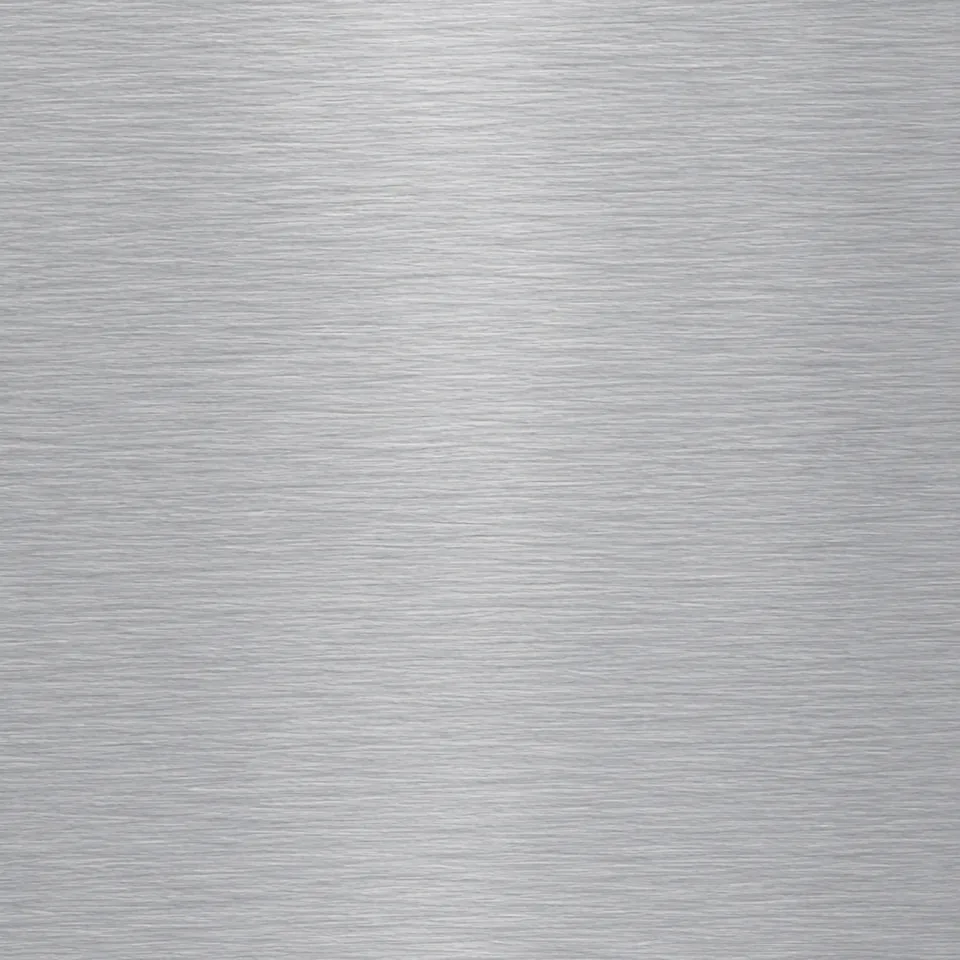
Brushed silver aluminum, fine horizontal brushing, a 50 cm square sheet surface, uniform grain scale, subtle cool gray variation, no glare or reflections, flat, top-down, even diffuse light, no shadows, no perspective, fills the frame, designed to tile, no border, no text, no watermark.
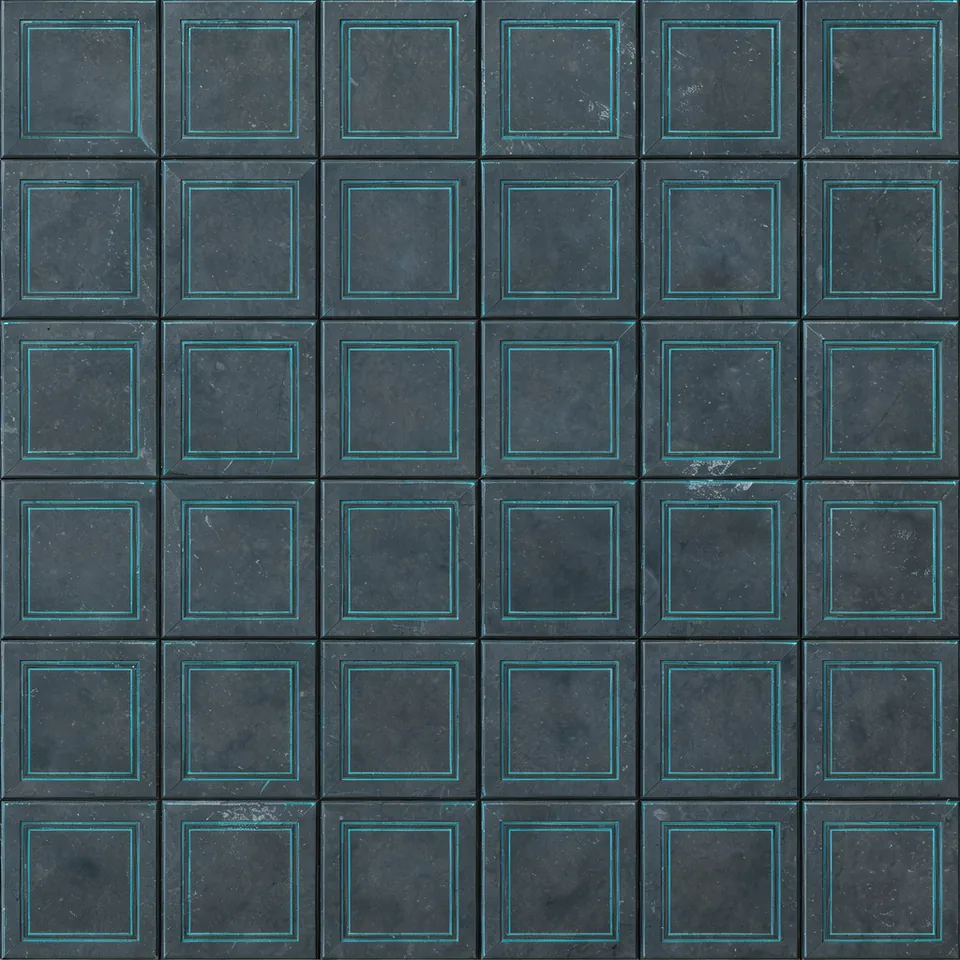
Dark graphite sci-fi panels, shallow geometric grooves, several complete panels across a 2 meter square surface, uniform panel scale, subtle wear, no text or glowing lights, flat, top-down, even diffuse light, no shadows, no perspective, fills the frame, designed to tile, no border, no text, no watermark.
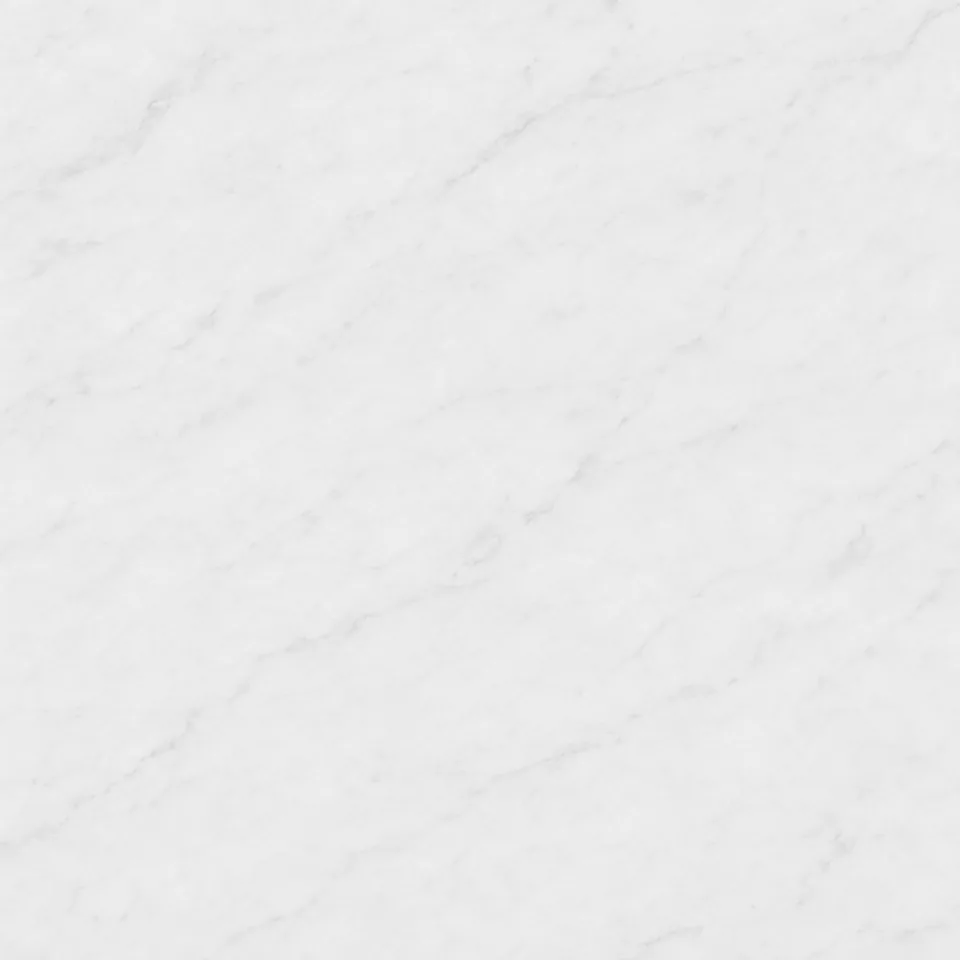
White marble, fine soft grey veins, a 1 meter square area of honed stone, small low-contrast variation, flat top-down view, even diffuse lighting, no shadows, no perspective, no border, no objects or text. Let the material fill the frame.
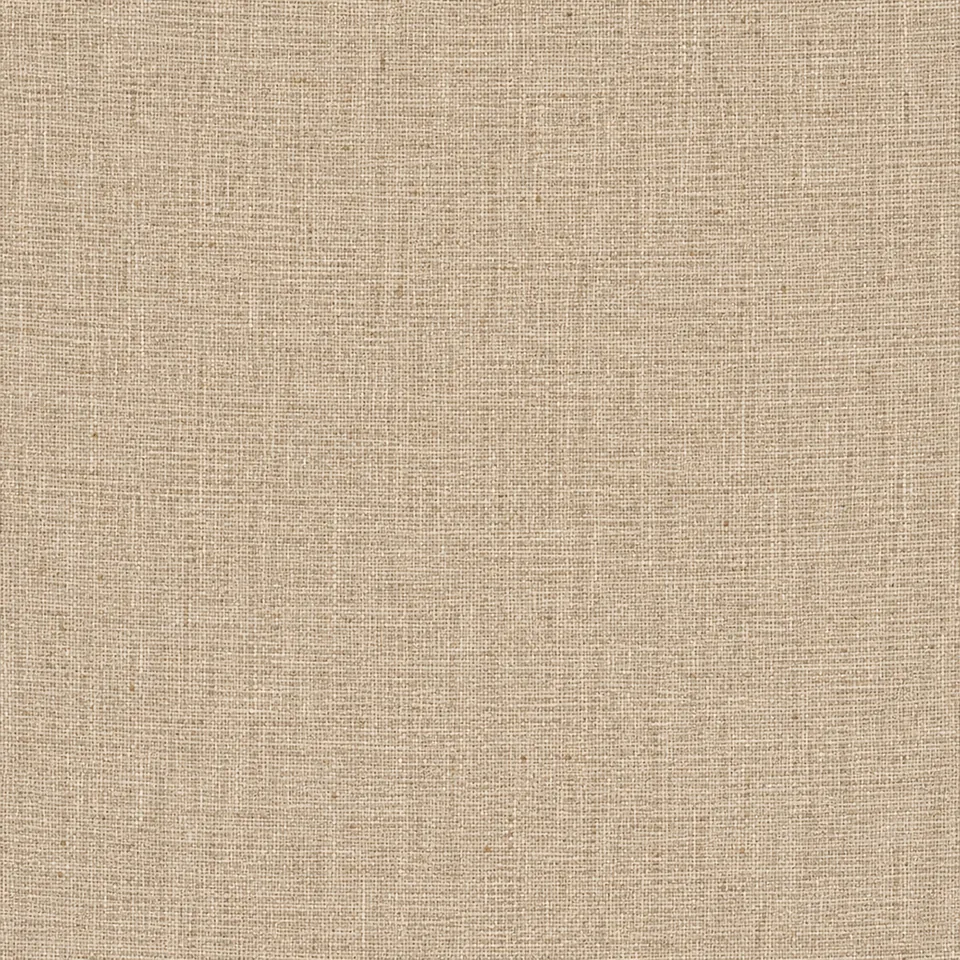
Natural flax linen fabric, a fine plain weave, a 30 cm square area of unbleached cloth, small low-contrast fiber variation, flat top-down view, even diffuse lighting, no shadows, no folds, no perspective, no border, no objects or text. Let the material fill the frame.
These previews repeat one image without changing its edges. Look for lines, brightness jumps and recognizable repeating marks. The material prompts are editable starters, not a promise to reproduce a sample or make a perfectly seamless tile.
Download a flat material image and check it at the scale your project needs.
Explore walls, floors and sci-fi surfaces. Test repetition on a large plane before applying the image across a level.
Use the image as a starting point for a base-color input. Check UV scale and build any other material maps separately.
Compare wood, stone and surface directions in a concept mockup. Recheck grain scale on the actual object.
Try a subtle material behind a layout. Repeat it over a larger area and make sure text remains readable.
Generate here, inspect here, then take the image into your own workflow.
Pick a material chip, then edit the grain, color and amount of surface visible. Use 1:1 for a square tile.
Review the credit cost and generate. Once the result arrives, switch between 1×1, 2×2 and 3×3 to inspect edges and repeating marks.
Download the original image if it suits your scene. If seams stand out, simplify the prompt and generate another version or repair edges in an editor.
A tileable texture needs more than a good-looking square. Inspect joins and repetition before using a single image across a surface.
Keep the material at a consistent scale. A prompt for a wooden table can produce furniture and perspective; a prompt for fine oak grain is a clearer surface brief.
Start at 1×1 for detail, then use 2×2 for the central joins and 3×3 for recognizable repeating patches. A flat preview cannot prove a texture is completely seamless.
These are general image workflows, not integrations. Export is the original generated image, not a PBR material package or a tiled mosaic.
Open the image studio for more image work. Prompts and reference images guide appearance; they do not create normal, roughness or other PBR maps.
Open image studio AI Album Cover GeneratorTurn a musical idea into square artwork with the AI album cover generator. Free credits for eligible new accounts.
 AI Christmas Photo GeneratorMake a festive portrait from your photo with the AI Christmas photo generator. Free credits for eligible new accounts.
 AI influencer generatorFreePlan a persona with the free AI influencer generator, then render a face on the same page using credits.
Start with a material prompt, keep the lighting flat and inspect the joins before you bring the image into a scene.
Essential cookies run this site. Analytics and live-chat cookies stay off until you accept. You can decline.We use cookies to run this site. With your consent, we'd also like to use analytics and live-chat support cookies to understand usage and improve the product — these stay off until you accept. Learn more