
Family
Family / cozy Christmas fireplace
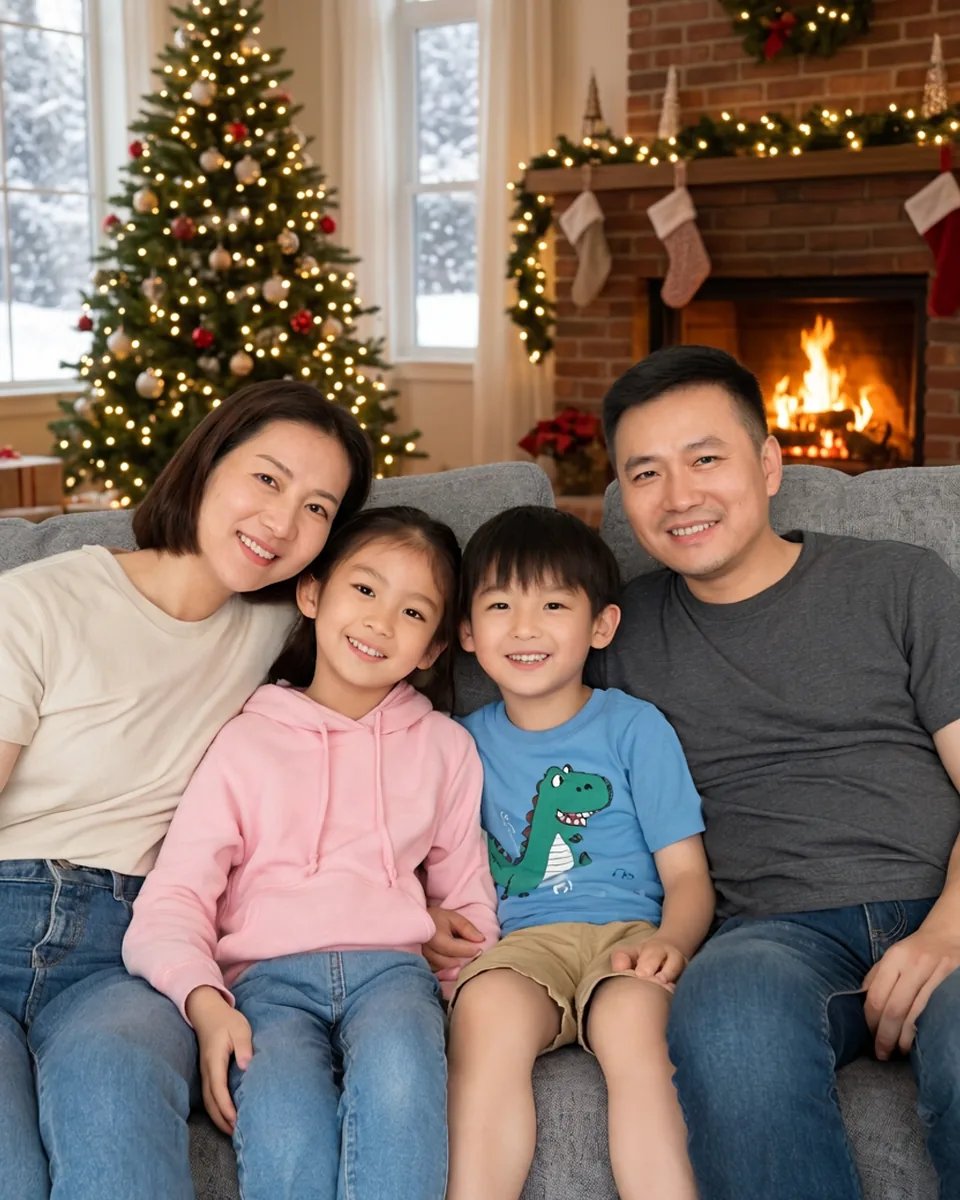
One family photo, two festive settings. Compare the same four people on the sofa with a warm fireplace scene or a snowy outdoor setting. Start with everyone already together in one frame.
Turn your photo into a festive Christmas portrait for cards or sharing. Free credits for eligible new accounts.
Start with an example, then make it your own.
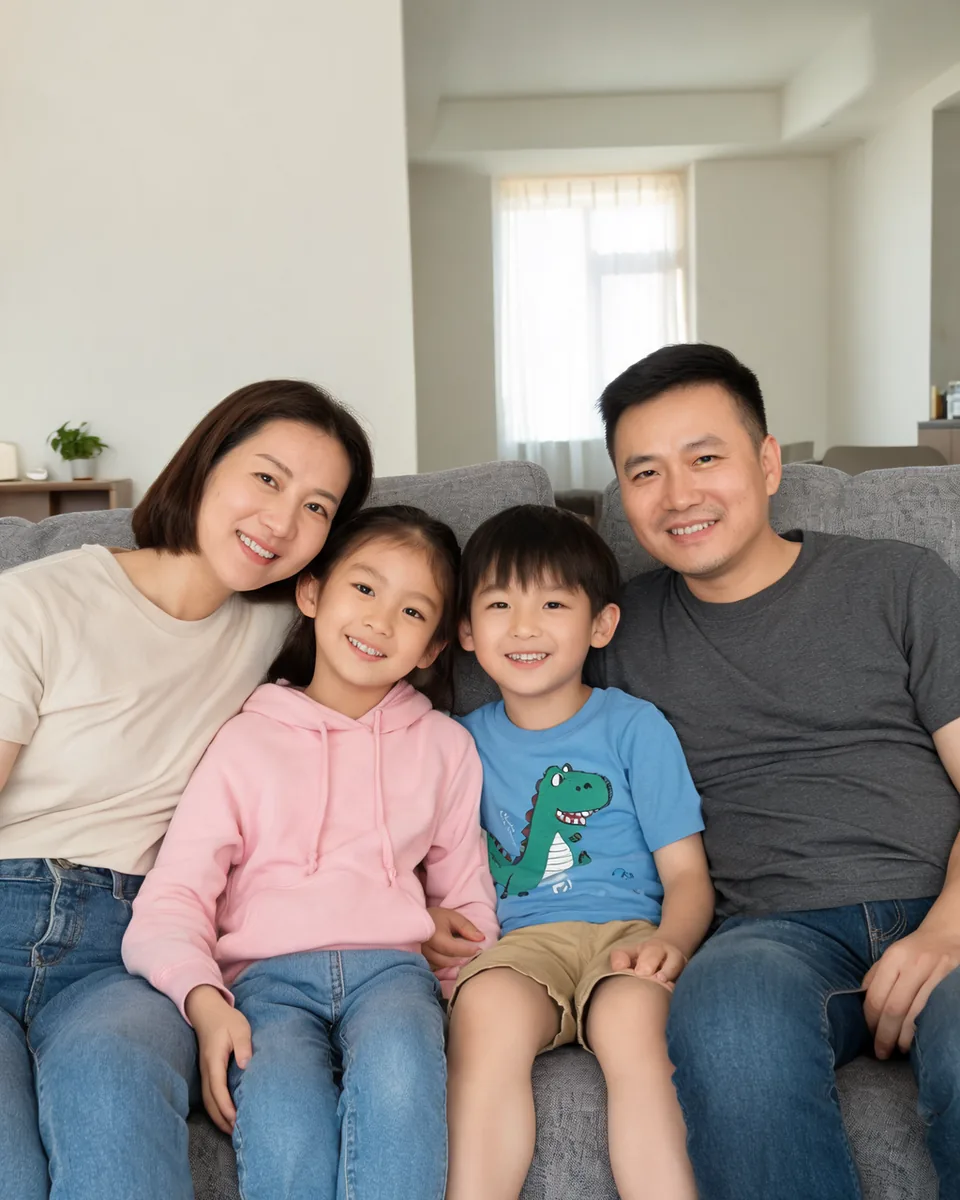
Photo in → Christmas portrait out. Real output from this tool; compare faces before sharing.
Real before-and-after pairs made with this tool. Browse by subject, compare the details, then use the scene with your own photo.
Made with this Christmas photo tool
One family photo, two festive settings. Compare the same four people on the sofa with a warm fireplace scene or a snowy outdoor setting. Start with everyone already together in one frame.
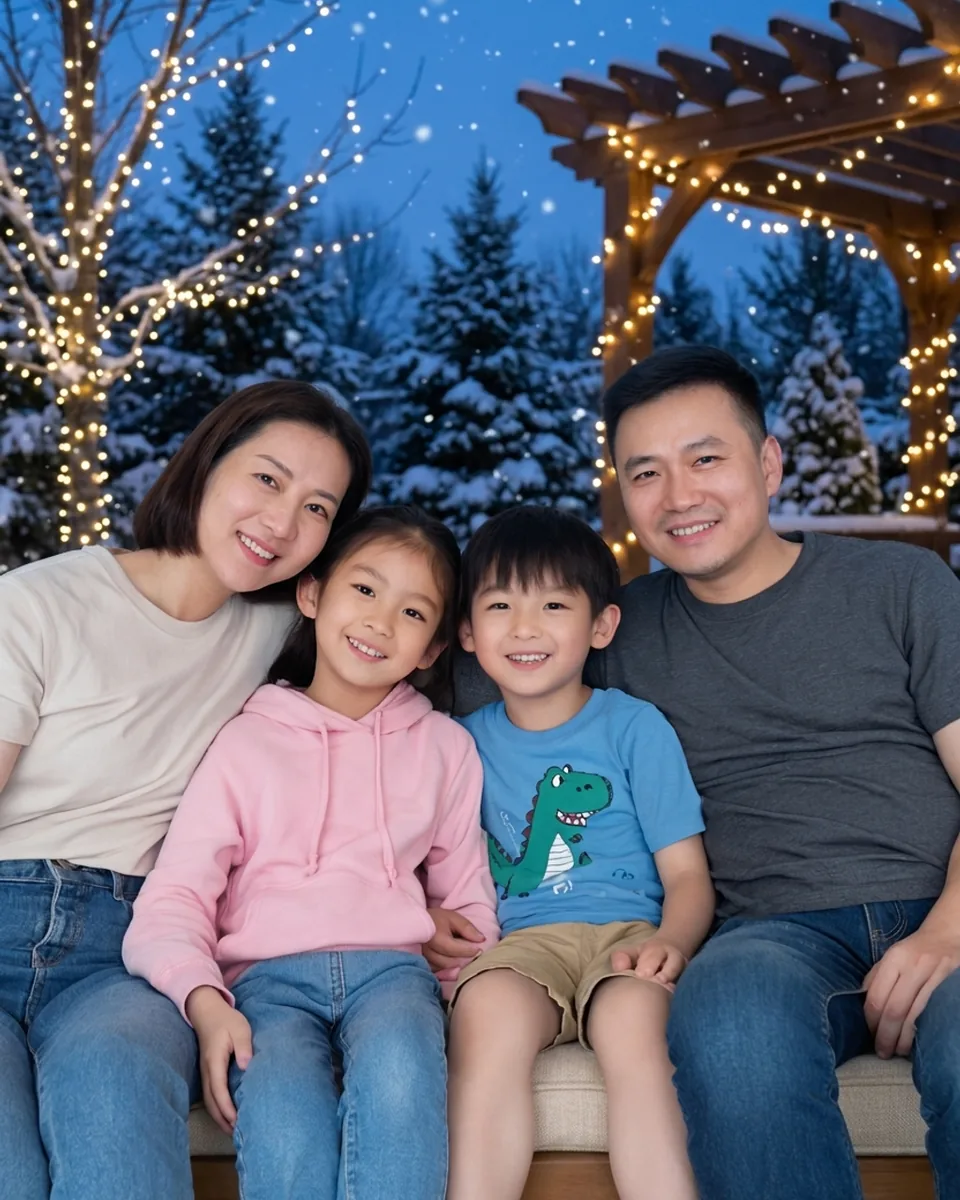
One family photo, two festive settings. Compare the same four people on the sofa with a warm fireplace scene or a snowy outdoor setting. Start with everyone already together in one frame.
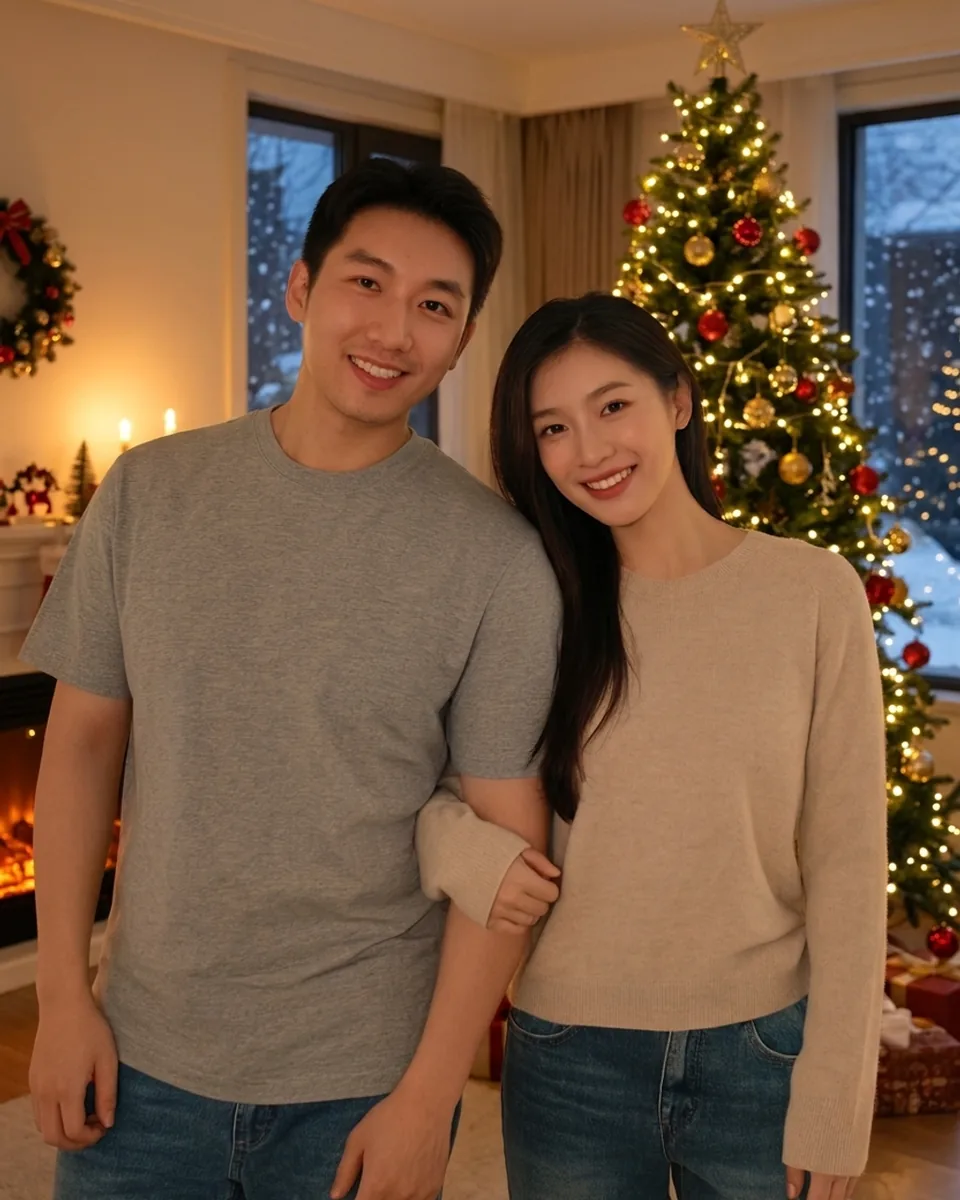
Try a tall decorated tree and warm evening light for a couple photo. The preset asks to keep the original faces, outfits and pose, so choose a photo whose arrangement you already like.
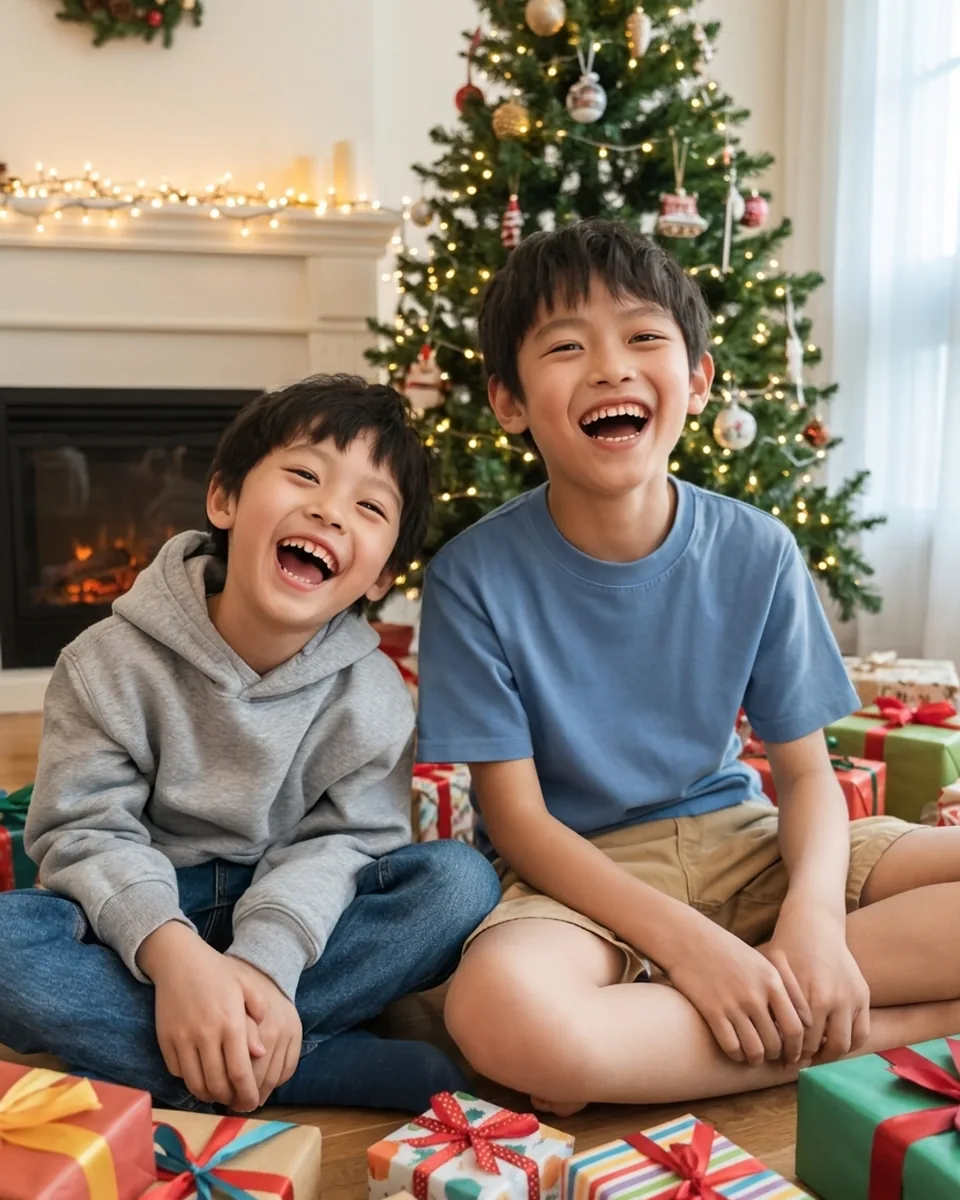
Wrapped gifts and a Christmas tree bring a Christmas-morning setting to an existing photo. The scene changes the surroundings; it does not instruct children to open presents or change their pose.
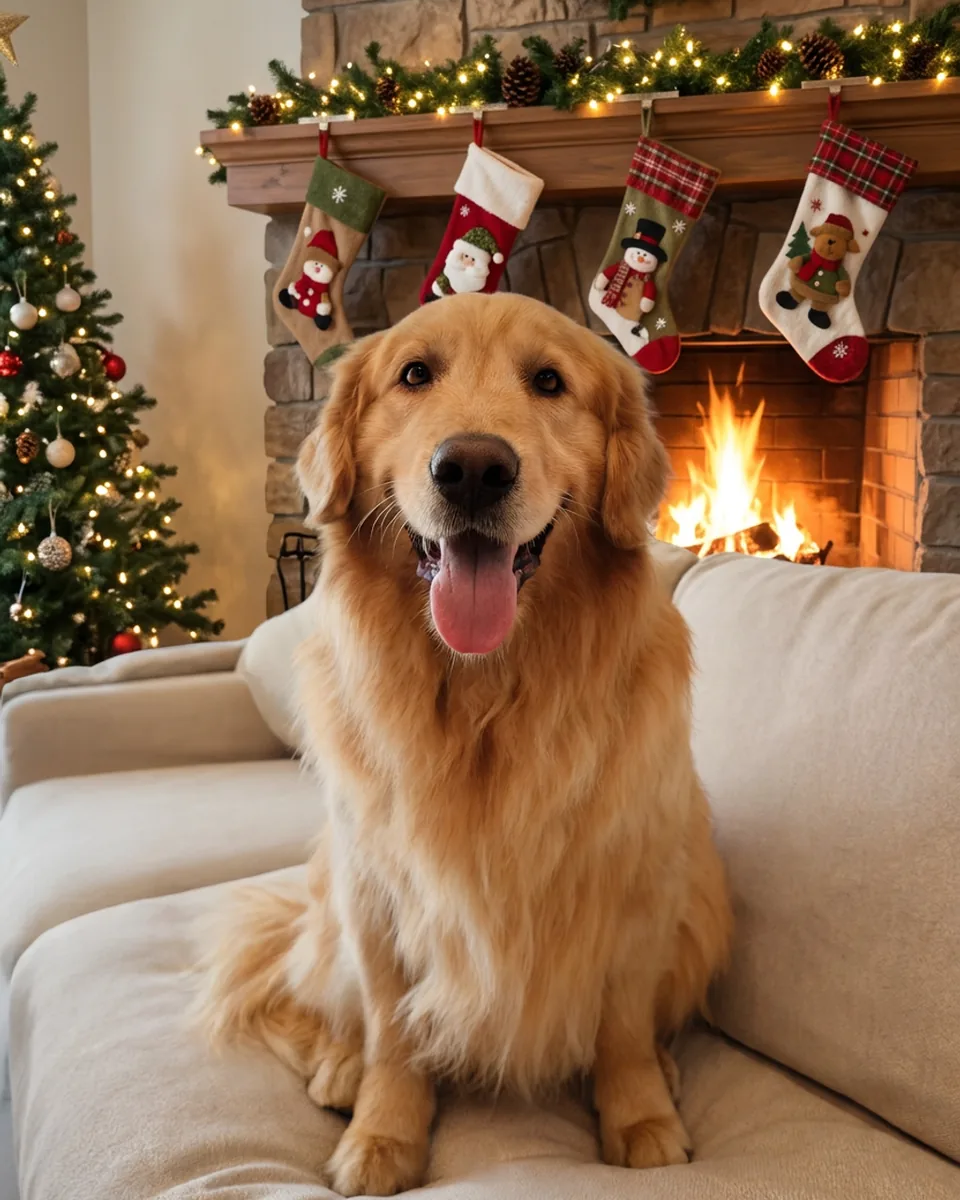
A golden retriever on a sofa becomes a fireplace Christmas portrait with stockings on the mantel. Keep your pet clearly visible and compare its eyes, coat and markings before sharing.
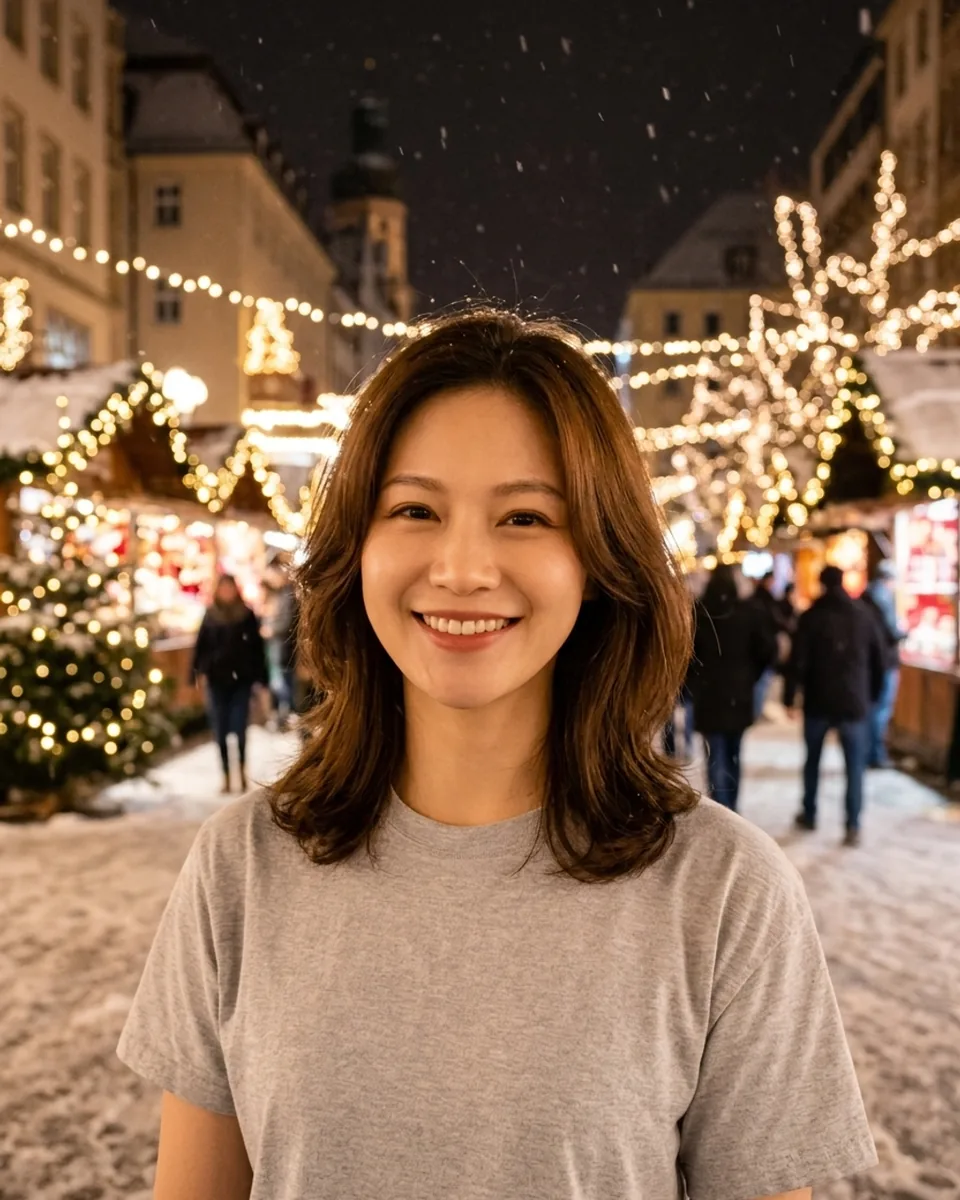
Glowing Christmas market lights and a snowy night street create a seasonal setting around a solo portrait. Keep the scene note about the background; the preset keeps your original outfit and pose.
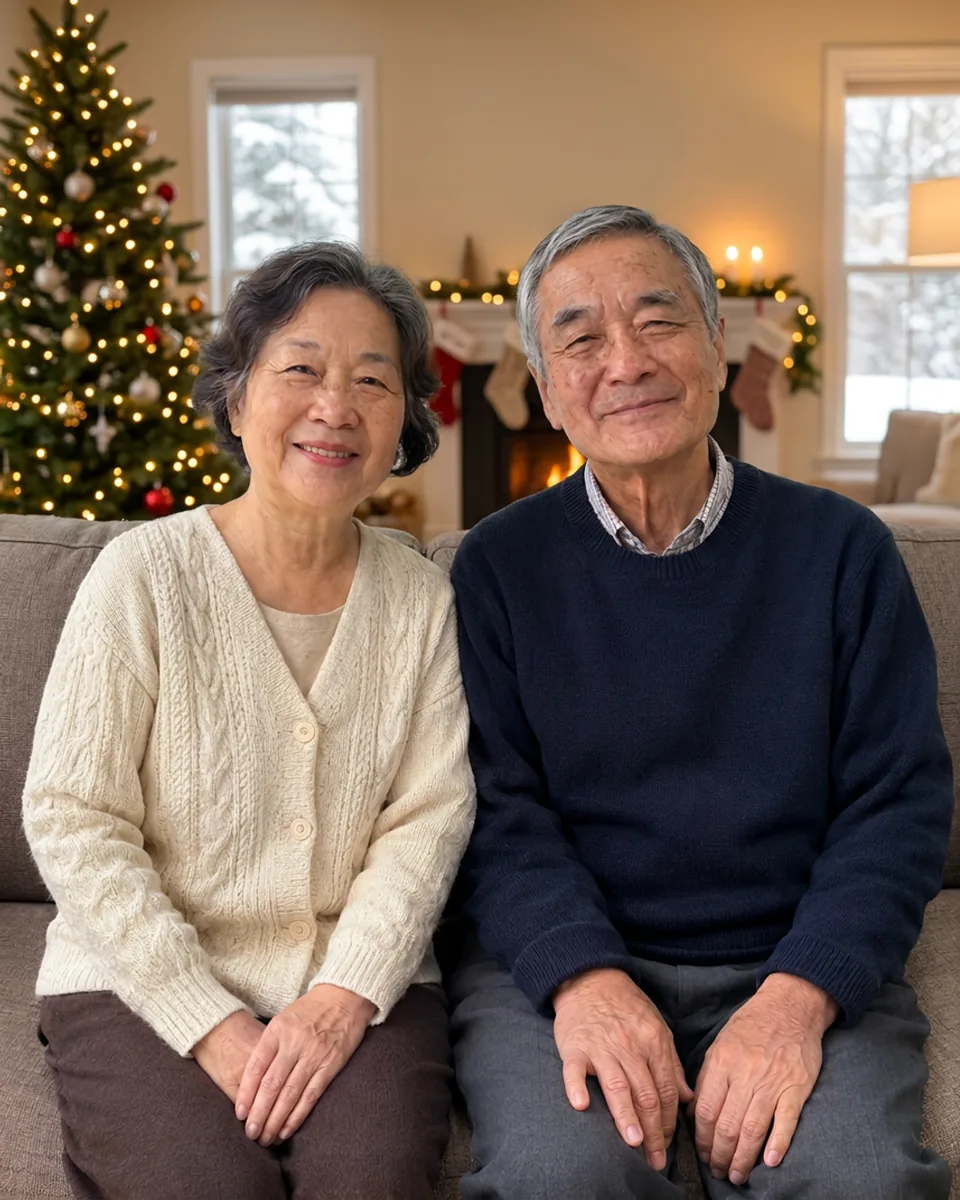
A quiet Christmas card setting for two grandparents. Compare the ordinary snapshot with the festive scene before trying it with your photo.
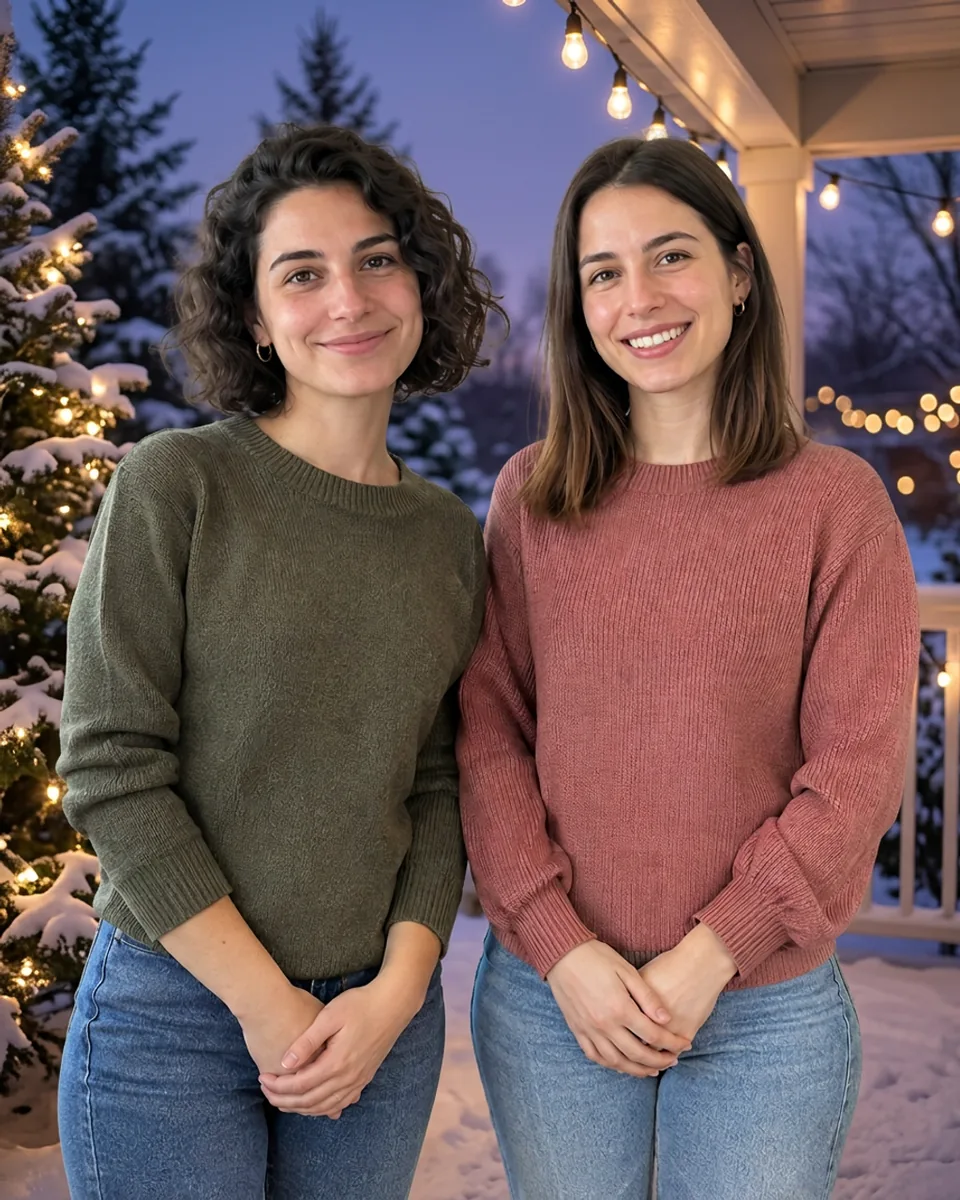
Two friends in a snowy evening scene with string lights. Compare faces and clothing before applying this scene to your photo.
Examples show possible edits, not guaranteed results. Compare faces, hands and pet markings against the original.
Choose the destination first. Keep the people in one source photo and plan any final crop or greeting afterward.
Use the card-space scene note to request a quieter background. After downloading, crop to your card template and add an editable greeting.
Share a festive version of a moment you already have. Check every child’s face and ask a parent or guardian before uploading or sharing.
Start with both of you in one photo. A decorated tree changes the setting while the edit asks to keep your original pose and outfits.
Try the fireplace scene without dressing up your pet. Review fur patterns and paws; the tool asks to change the setting, not add a costume.
The photos above are real outputs. Card-space composition is a note you can try, not a pictured sample or a guarantee of exact blank space.
Upload, choose a scene, then review the result here.
Choose one clear JPG, PNG or WebP with every subject visible. For a group photo, everyone must already be in the same picture. Confirm permission and consent.
Choose a scene chip or apply a gallery scene. Edit the note if needed, sign in, and check the live credit quote before generating. Free credits for eligible new accounts.
Watch the task status in this workspace. Compare faces, hands and pet markings with the original, then download. Add any greeting in your own layout editor; the tool does not add text.
A good source photo matters more than a long prompt. Use these checks before you generate and before you share.
Use an original-resolution photo with even light. A front-facing or gently turned face is easier to compare than a tiny, blurred or obscured face.
The server preset asks to preserve faces, expressions, hair, clothing and pose. Scene chips only guide surroundings and light. AI can still change details; identical faces are not guaranteed.
Choose the card-space note for a simpler background where the source allows it. It does not set a new aspect ratio or guarantee a blank panel. No lettering is generated.
Happy with your portrait? Use it as the starting photo for a short image-to-video clip. Sign in and check the live credit quote on that tool before generating.
Try image-to-video AIStart with one clear photo and a scene you like. Review the result, download it, and add your own holiday greeting afterward.
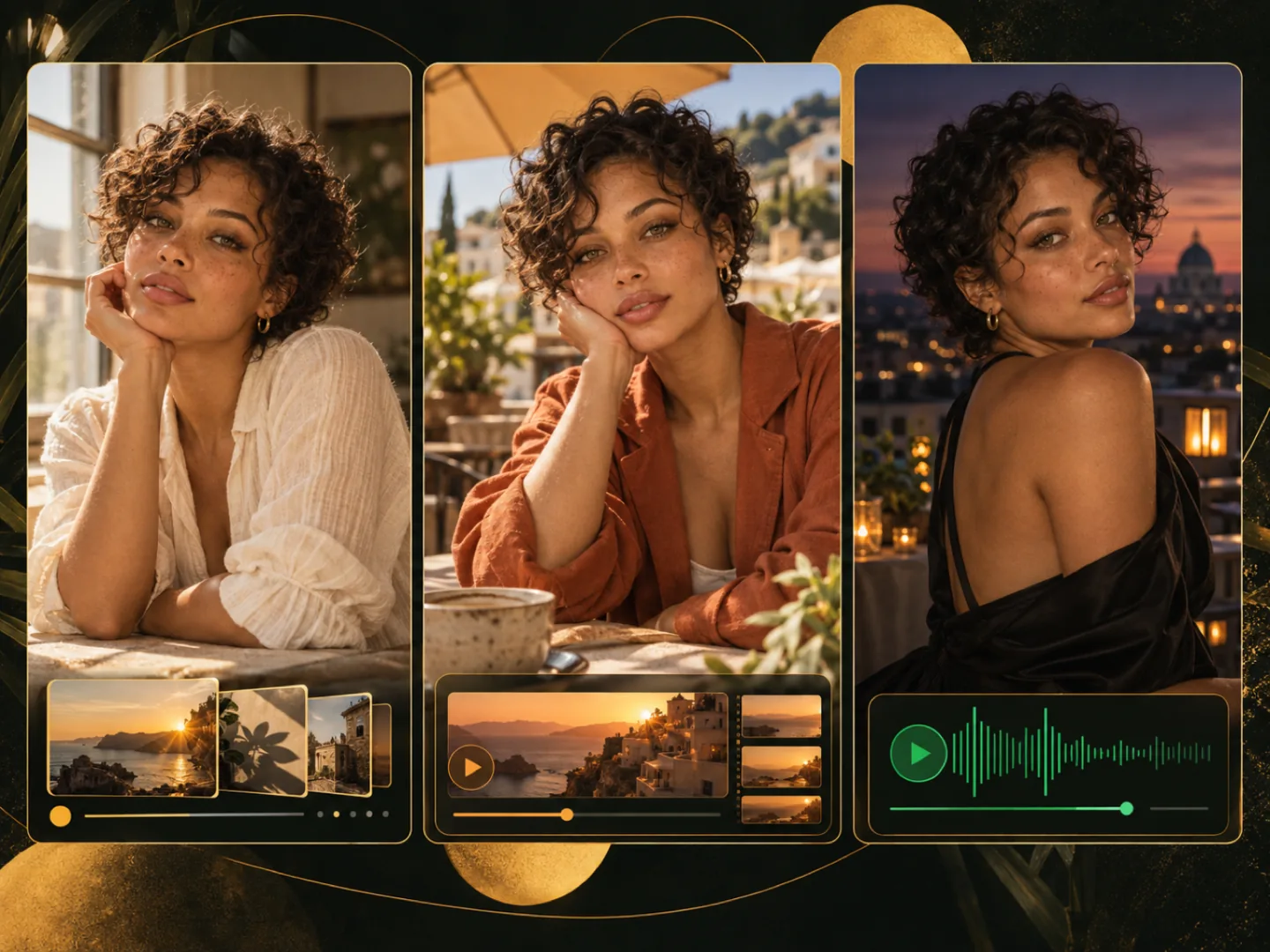 AI influencer generatorFreePlan a persona with the free AI influencer generator, then render a face on the same page using credits.
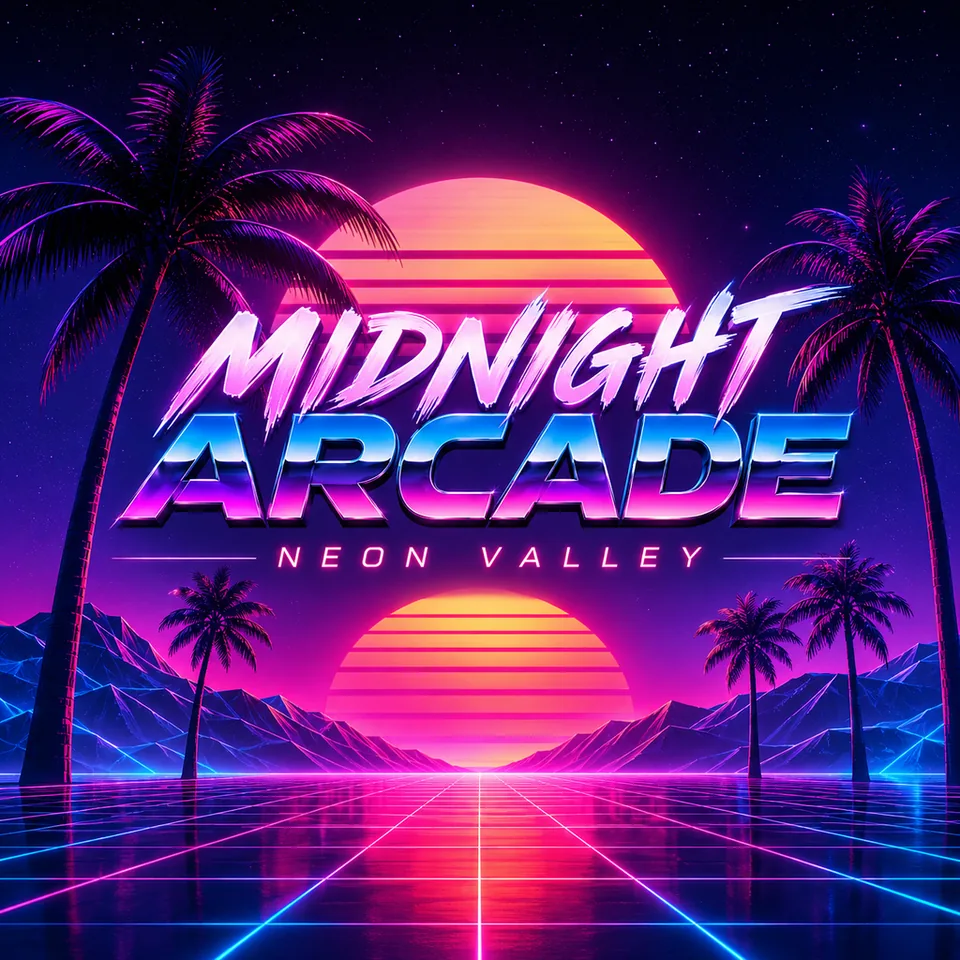 AI Album Cover GeneratorTurn a musical idea into square artwork with the AI album cover generator. Free credits for eligible new accounts.
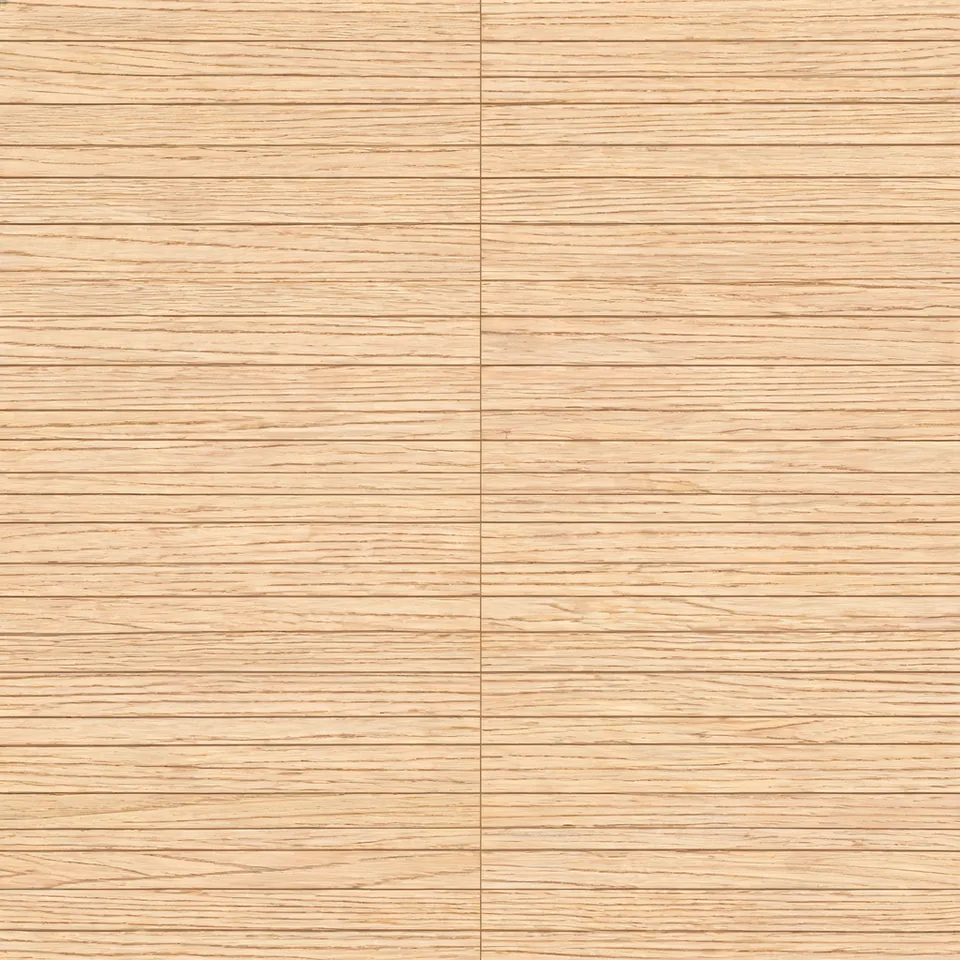 AI Texture GeneratorUse the AI texture generator for material images and check seams in a repeat preview. Free credits for eligible new accounts.
Essential cookies run this site. Analytics and live-chat cookies stay off until you accept. You can decline.We use cookies to run this site. With your consent, we'd also like to use analytics and live-chat support cookies to understand usage and improve the product — these stay off until you accept. Learn more